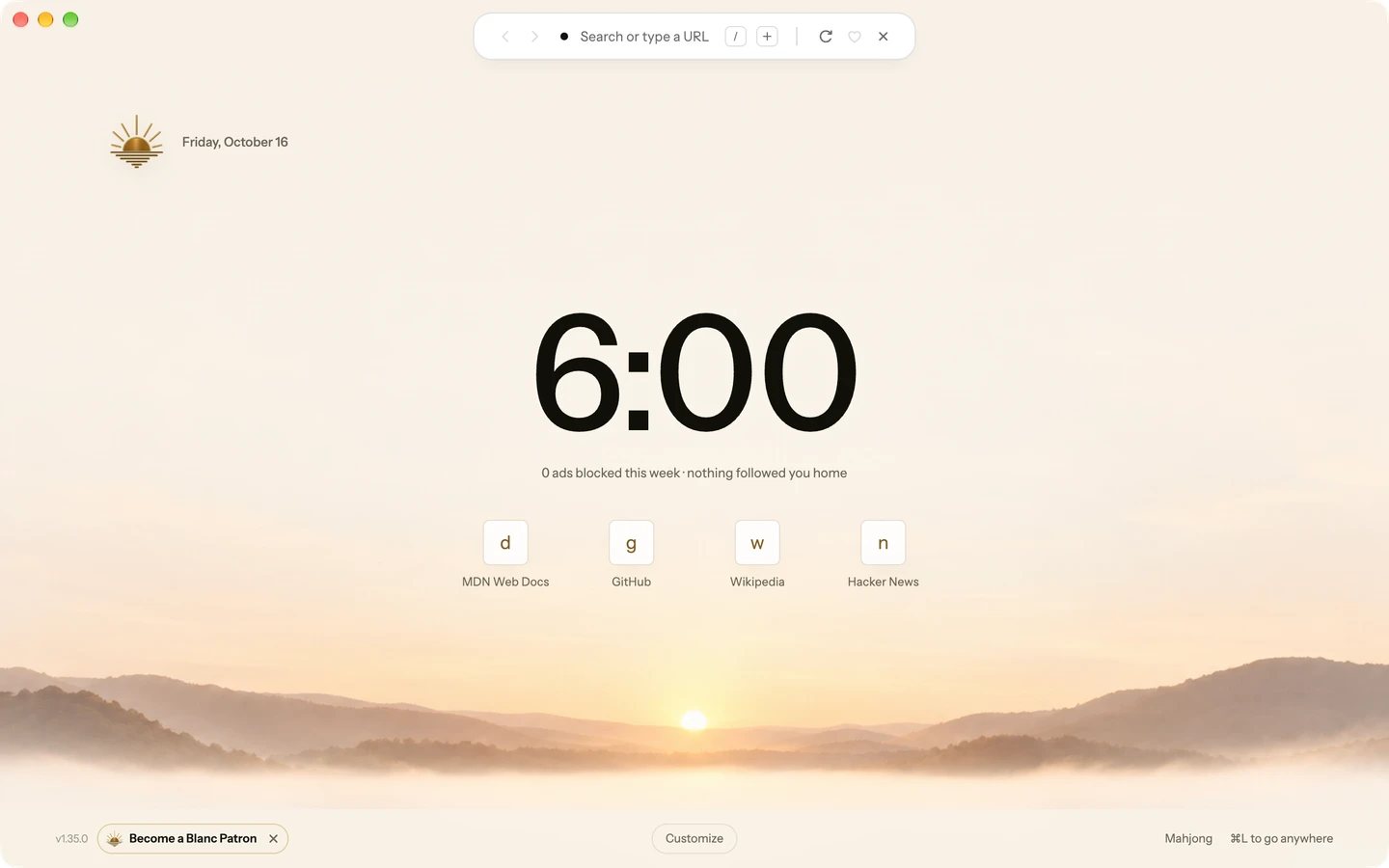
⌘L
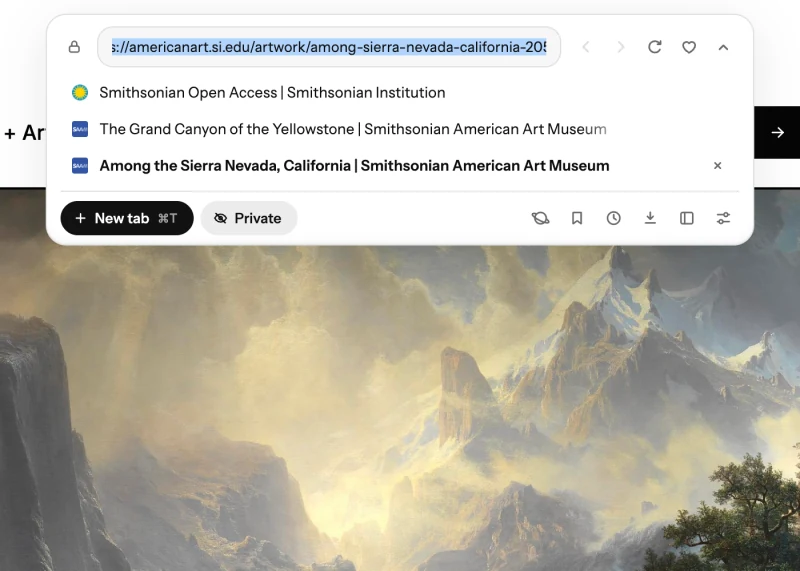
One shortcut for everything.
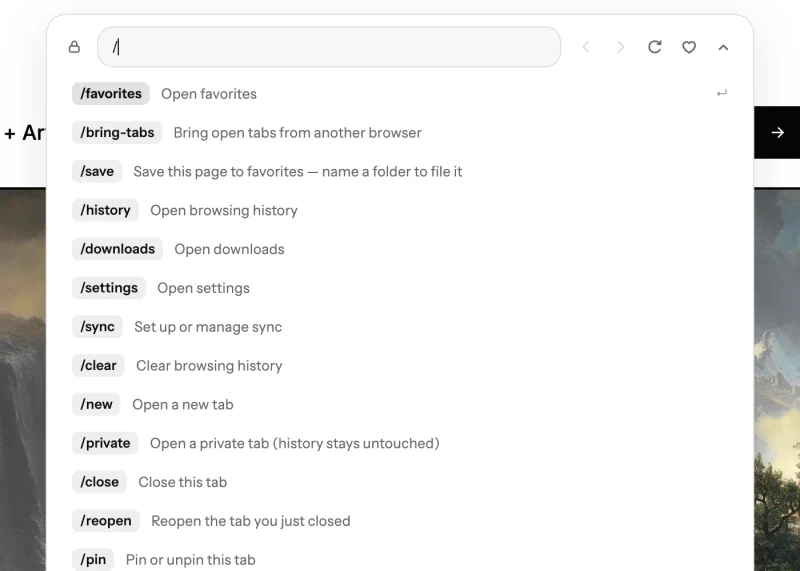
Switch tabs, search or run a command from the Island. Ctrl+L on Windows and Linux.

Tabs, search and commands in one compact Island that can hide out of sight. Free, with ad and tracker blocking on from the first launch.
For macOS, Windows and Linux


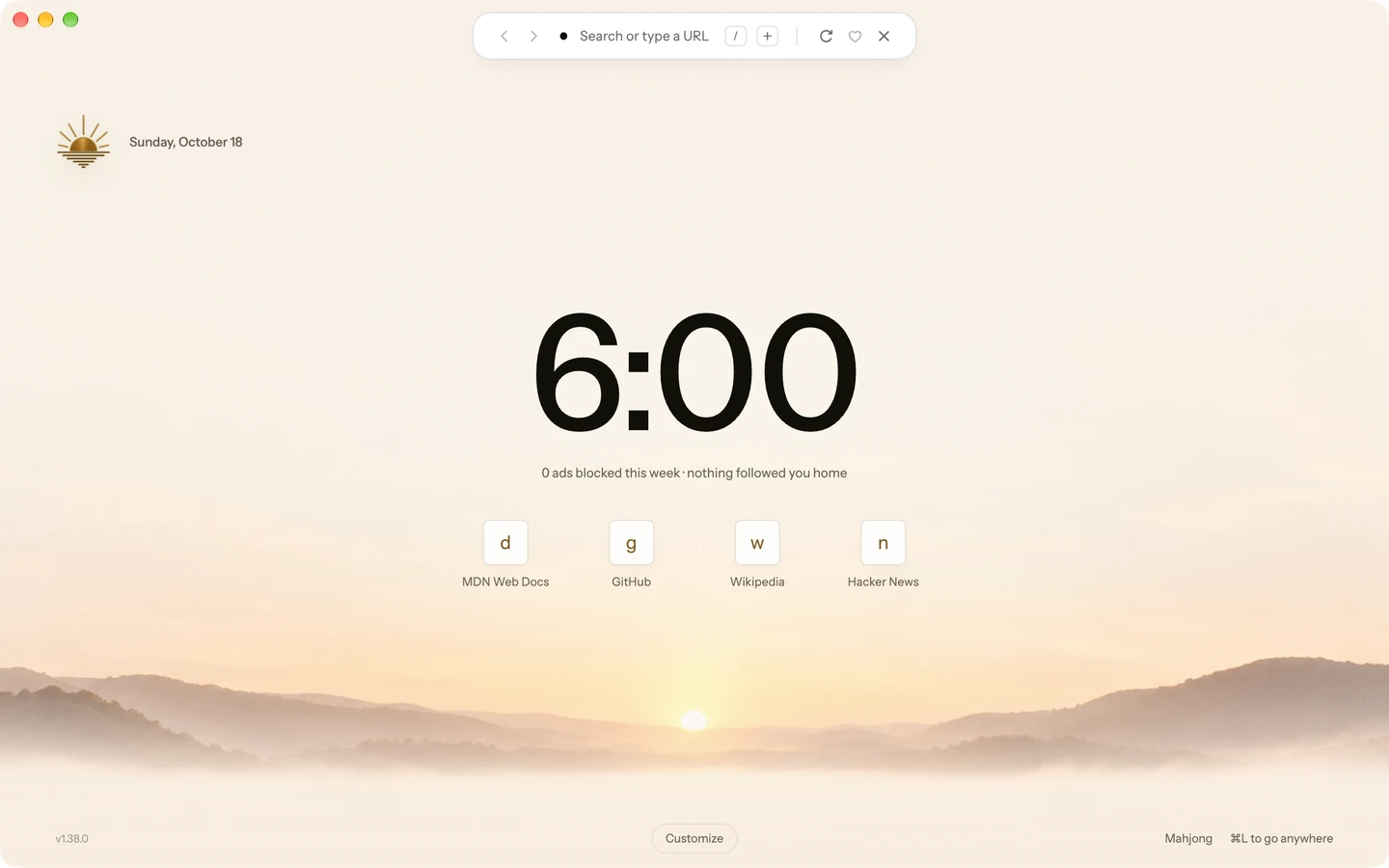
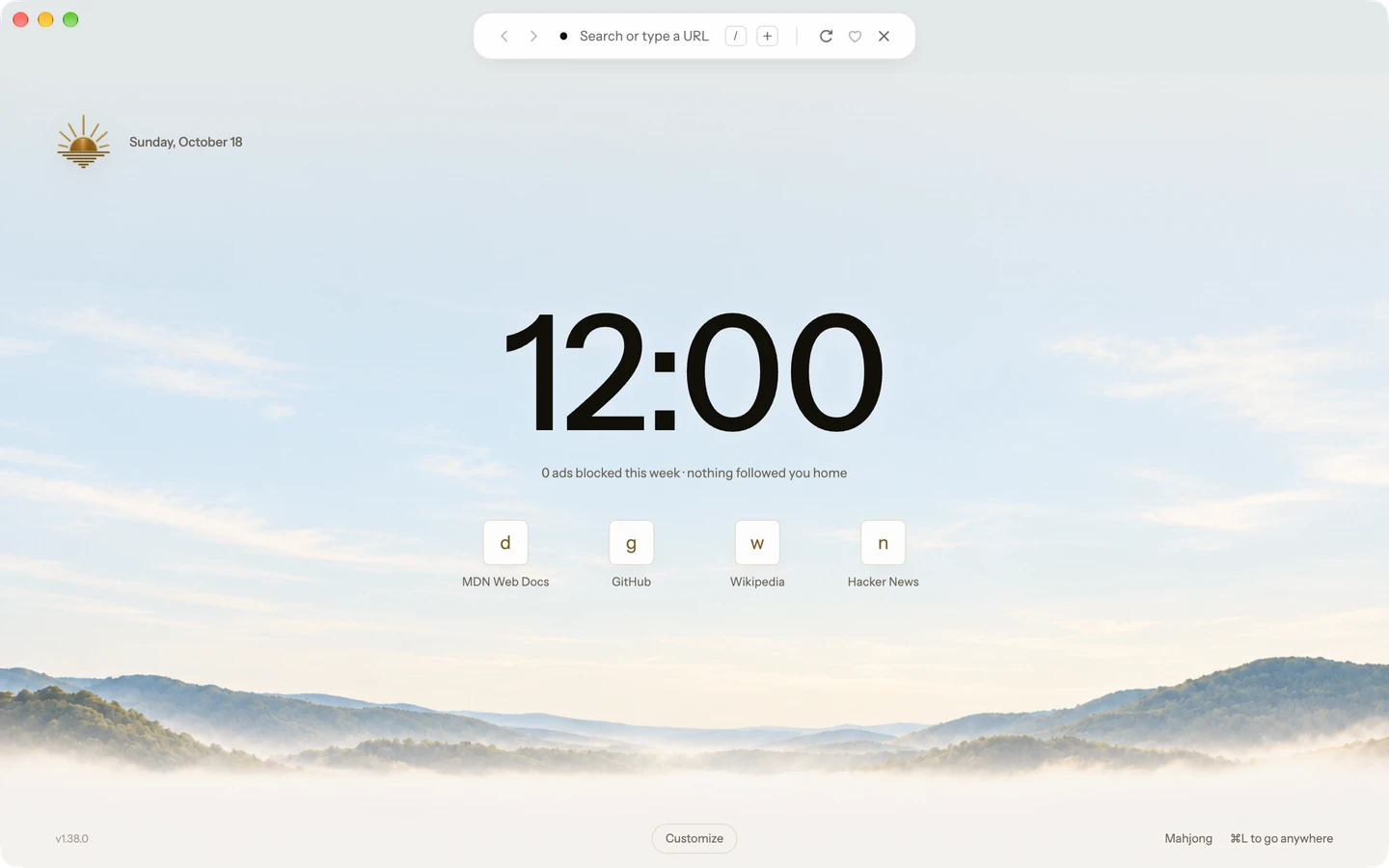
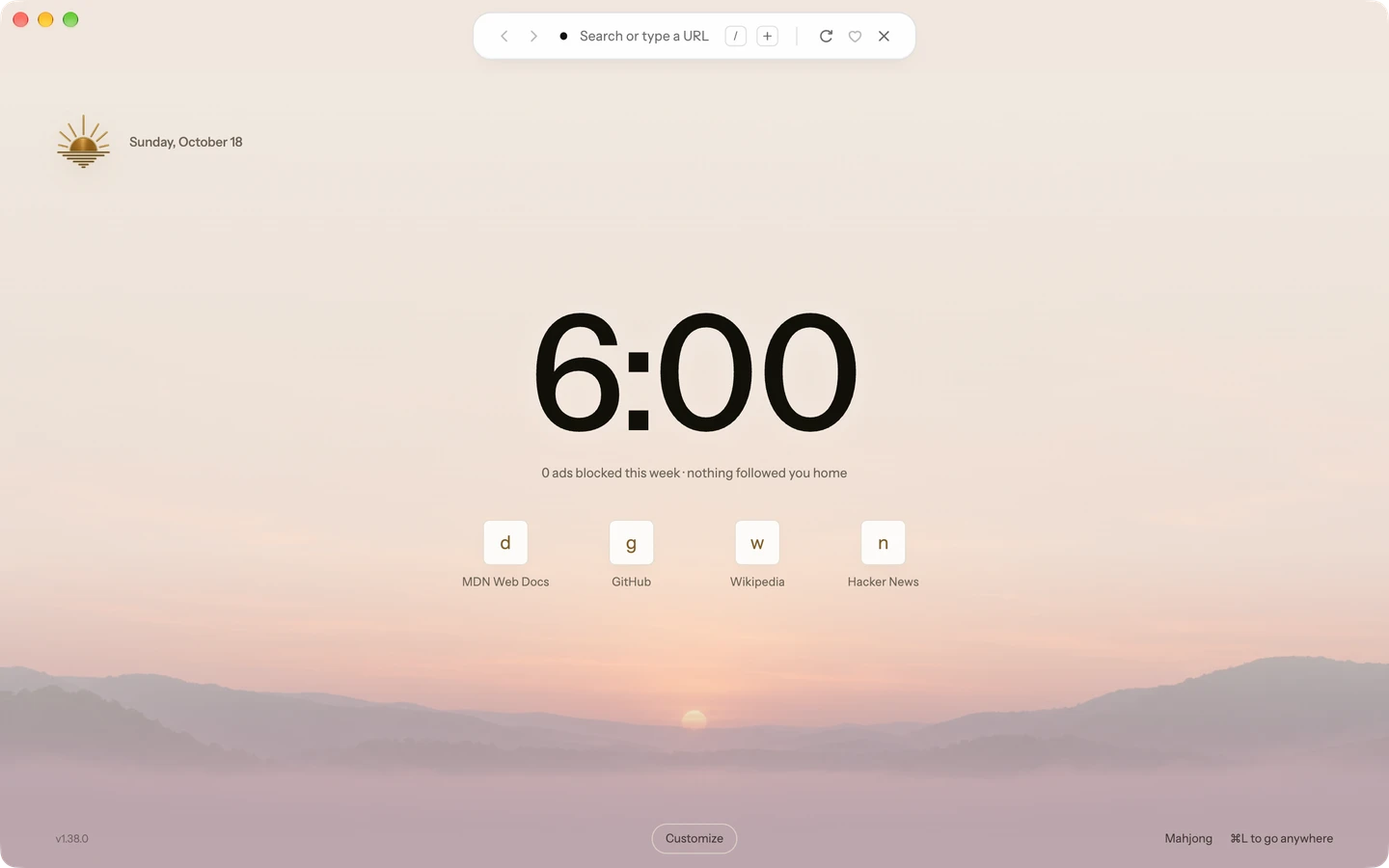
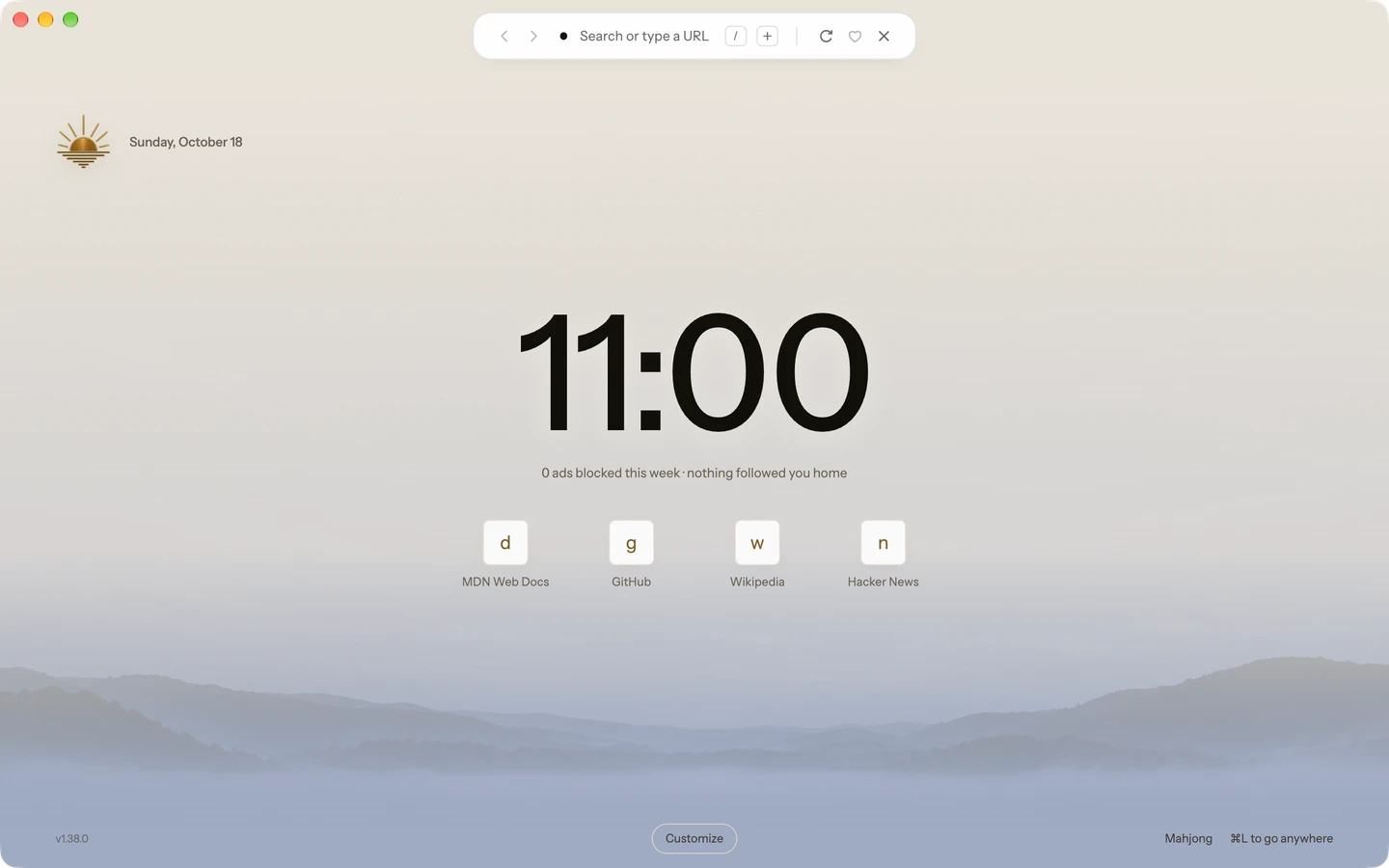
Turn on Time-of-day wallpaper in Settings → General, and the Start Page follows your computer’s clock.
Or choose your own image or a color from Customize on the Start Page.
⌘L
One shortcut for everything.
Switch tabs, search or run a command from the Island. Ctrl+L on Windows and Linux.
On
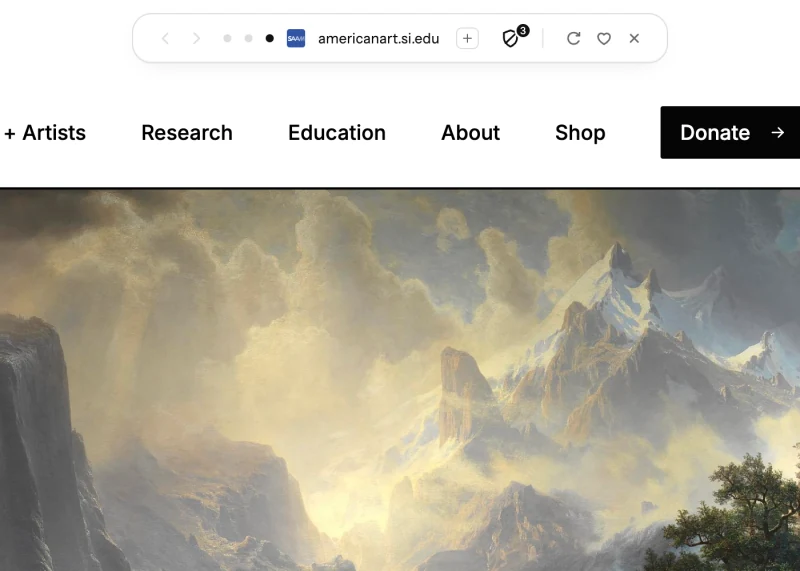
Ad and tracker blocking, on by default.
Blanc Blocker reduces known ads and tracking; no blocker catches everything. Prefer uBlock Origin? Choose it on supported builds.
1.5 GB
Under a third of Chrome’s 4.9 GB, with six ad-heavy sites open.
Brave, which also blocks by default, used a little more: 1.7 GB. With its blocker off, Blanc used 5.2 GB, about the same as Chrome. How it was measured1
Free
And open source, on macOS, Windows and Linux.
MIT for Blanc’s own code. The Blanc name and logo stay reserved.
Save a window’s tabs and groups as a space. Give each one a colour and a symbol, then switch between them from the Island.
Group related tabs and give each group a name. Drag tabs and groups to put them in order. You decide what goes together.
Tab groups and Blanc Spaces are free. Coming from Arc? Bring your Spaces with you.
Blanc Blocker is on from first launch. Prefer uBlock Origin? On supported builds, you can choose it for regular tabs.
Ghostery’s blocking engine with bundled EasyList ad filters, EasyPrivacy tracker filters and scriptlets.
Customizable filter lists, advanced settings and a request logger for regular tabs.
Open a private tab when you choose. Its cookies, storage and history disappear when Blanc quits.
Optional connections start only after you save your setup choices.
Private tabs use Blanc Blocker. Changing blockers requires a restart. Site settings stay separate. Blocking reduces known ads and tracking; coverage is not universal.
How blocking works Private tabs Blocking details Connections, defaults and security evidence Using uBlock Origin after Chrome
Drag the card’s header to move it. Arrow keys move it too, and Enter puts it back.
Bring another open tab into view over the page you’re on.
Switching to another tab closes it.
How Glance works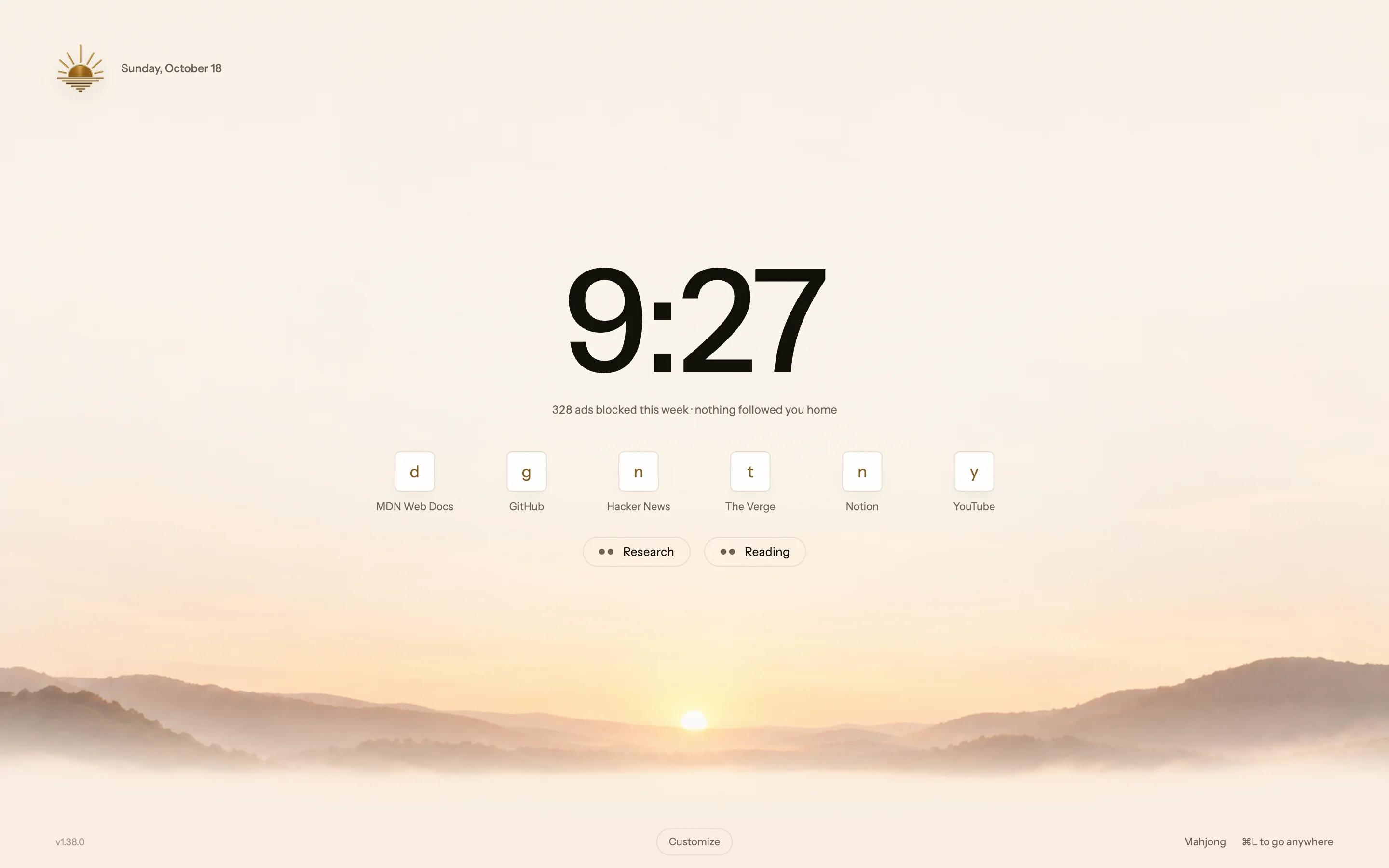
Choose Ledger, Billboard, Shelf or Tally, and set the wallpaper to the time of day, your own image or a color.
Your own image stays on this device and never shows in private tabs.
Quiet Tabs can release memory from eligible inactive background pages while retaining their tabs.
Quiet pages reload when you return to them.
How Quiet Tabs workThe optional integration fills a matching login when you ask, on macOS, Windows and Linux.
Off by default. Needs the 1Password app and account. Not on Windows on Arm. Setup and shortcuts
How 1Password fill worksType a site’s code before your search, like !yt lofi, to go straight to its results.
Works with any search engine.
How bangs workReturn to the previous page.
Go back, move forward or open a new tab with a simple mouse movement.
Off by default. Right-drag with a mouse, or Option/Alt-drag with a trackpad.
How mouse gestures workAlso in Blanc: Vertical tabs Profiles Reopen closed tabs Sync Security All features
What Blanc does, and what it doesn’t.
| Feature | Blanc | Chrome2 |
|---|---|---|
| Ad and tracker blocking on by default | Blanc Blocker | Removes ads only on sites that violate the Better Ads Standards |
| Full uBlock Origin | Optional, on supported builds | Manifest V2 off since Chrome 138; uBlock Origin Lite available |
| macOS, Windows and Linux | ||
| Phone and tablet apps | Desktop only | |
| Chrome Web Store extensions | On desktop | |
| Built-in password manager | 1Password fill | Google Password Manager |
| Plays protected streaming video | Since Blanc 1.43; on Windows, x64 PCs only | |
| Free and open source | MIT; name and logo reserved | Free; built on the open-source Chromium project, under Google’s terms |
Bring your tabs and Favorites, then make Blanc your default.
Step 1
For macOS 13 or later on Apple Silicon or Intel, Windows 10 or later (64-bit), and 64-bit Linux as an AppImage.
Free. No account needed.
Step 2
Bring Your Tabs reads the browser profile you choose on this computer and can keep its tab groups and pins. You pick which tabs come over.
Sign-ins, passwords, history and cookies stay in your old browser.
Step 3
Import Favorites (Blanc’s name for bookmarks) from the same profile, or from an HTML bookmarks file.
Blanc only reads your old browser’s files; everything stays where it was.
Step 2
Pick the Arc Spaces you want. Pinned tabs, Today tabs, and folders as tab groups come over, and each becomes a space in Blanc Spaces.
Sign-ins, passwords, history, archived tabs, Notes and Easels stay in Arc. On Linux, choose a sidebar file copied from a Mac or PC.
Step 3
Arc’s top-row Favorites can come over into one Favorites folder named Arc.
Your Arc sidebar is read, never changed.
Step 2
The companion extension sends the open tabs of one Safari window to Blanc, encrypting the list on your Mac first.
One time, up to 100 tabs: address, title, order and the active tab. Groups and pins don’t come over.
Step 3
Export your bookmarks from Safari as an HTML file, then import it in Blanc.
Favorites is Blanc’s name for bookmarks.
Step 2
The companion add-on sends the open tabs of one Firefox window to Blanc, encrypting the list on your computer first.
One time, up to 100 tabs: address, title, order and the active tab. Groups and pins don’t come over.
Step 3
Export your bookmarks from Firefox as an HTML file, then import it in Blanc.
Favorites is Blanc’s name for bookmarks.
Passwords: Blanc doesn’t import or save passwords. Keep them in your password manager; Blanc can fill logins from 1Password when you ask.
How importing works Switching from Arc
macOS: Open Settings → General in Blanc, click Make default, and confirm when macOS asks.
First-run setup offers this too.
Windows: Open Settings → General in Blanc and click Make default. Windows Settings opens at Default apps, where you choose Blanc.
Needs the installed version of Blanc.
Linux: Choose Blanc in your desktop’s default applications settings.
Blanc can’t set itself as the default on Linux, and the steps differ between desktops.
Yes. Blanc runs on macOS 13 or later (Apple Silicon or Intel), Windows 10 or later (64-bit) and 64-bit Linux as an AppImage.
Blanc doesn’t install extensions from the Chrome Web Store. Ad and tracker blocking is built in, and on supported builds you can choose the full uBlock Origin instead.
Blanc runs on Chromium, the open-source engine Chrome is built on. Since Blanc 1.43 it can also play Widevine-protected streaming video and music; on Windows that needs an x64 PC.
Yes. Every feature, including Blanc Spaces, is free. Blanc Patron is optional support at US$30 a year or US$4 a month, plus tax, and unlocks nothing.
Nothing optional until you save your setup choices. Usage measurement (no addresses, searches or page contents) and search suggestions are preselected; turn either off before saving or later in Settings.
On an iPhone, yes: Blanc for iPhone is a public beta on TestFlight. Since Blanc 1.45 you pair it by scanning a code in Settings → Sync, and your Favorites and your other devices’ tabs come with you. Optional sync keeps Favorites, settings and open tabs in step across your computers, end-to-end encrypted. History and passwords never sync.
On a Mac with Touch ID, Blanc creates passkeys that stay on that Mac, in Apple’s Secure Enclave. It can’t use passkeys saved in other password managers.
No. Blanc’s own menus and settings are available in English, German, Spanish, French, Italian and Portuguese (Brazil).
No. You choose what goes in each group and space. Blanc doesn’t guess.
Yes. Importing reads your old browser’s files without changing them, so everything stays where it was.

Blanc Patron is how you support Blanc’s development. Every feature, including Blanc Spaces, is free for everyone; Patron is an optional subscription.
Explore Blanc SpacesUS$30 / year or US$4 / month, plus applicable tax.
Become a PatronPatron unlocks nothing. Ending a subscription changes nothing in the browser.
macOS 13 or later · Windows 10 or later · 64-bit Linux
Every feature is free. Blanc Patron is optional support and unlocks nothing.