1. Open Bring Your Tabs.
In Blanc, press ⌘L on Mac or Ctrl+L on Windows and Linux, then run /bring-tabs.

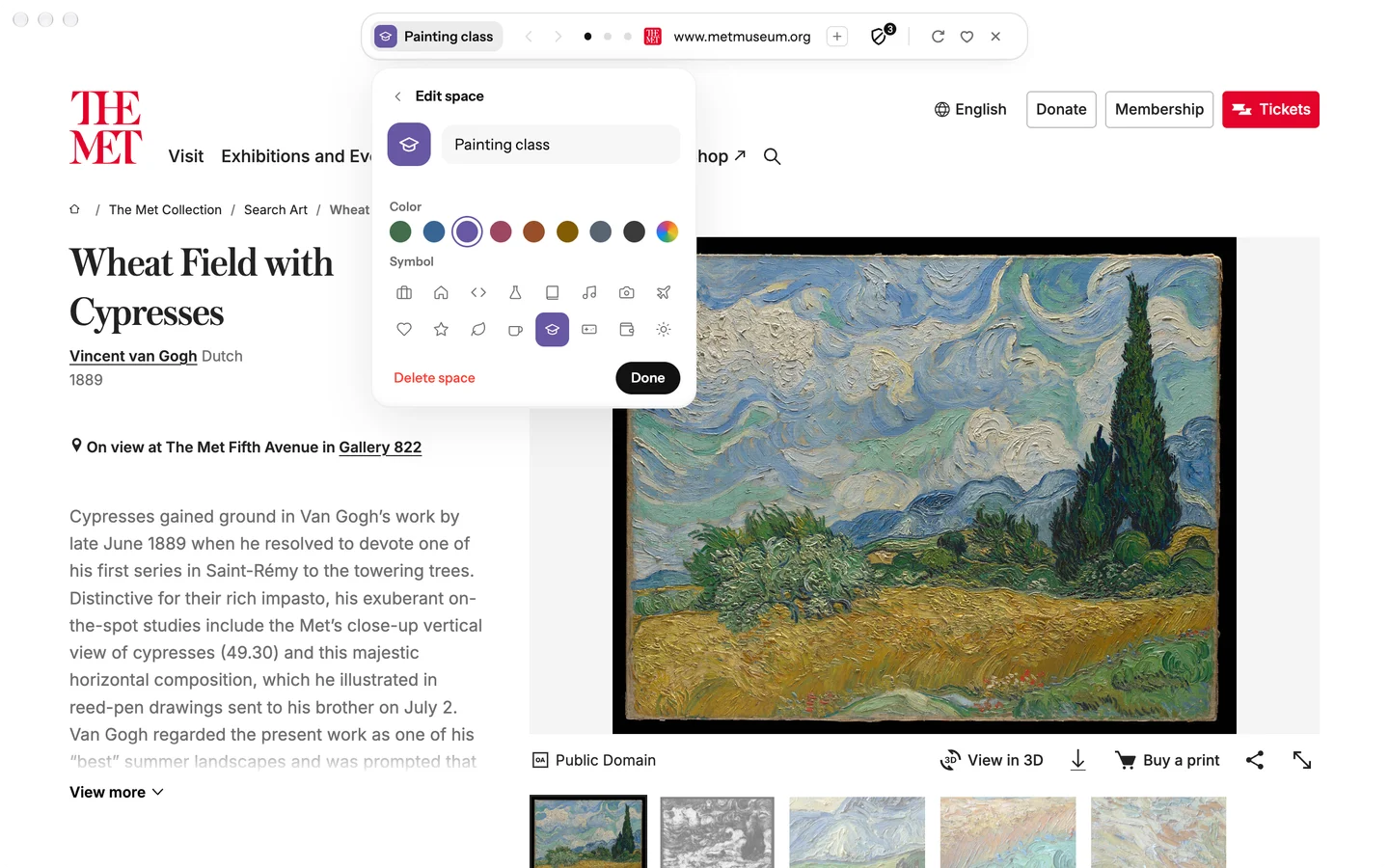
Bring your Arc Spaces over, with folders as tab groups.
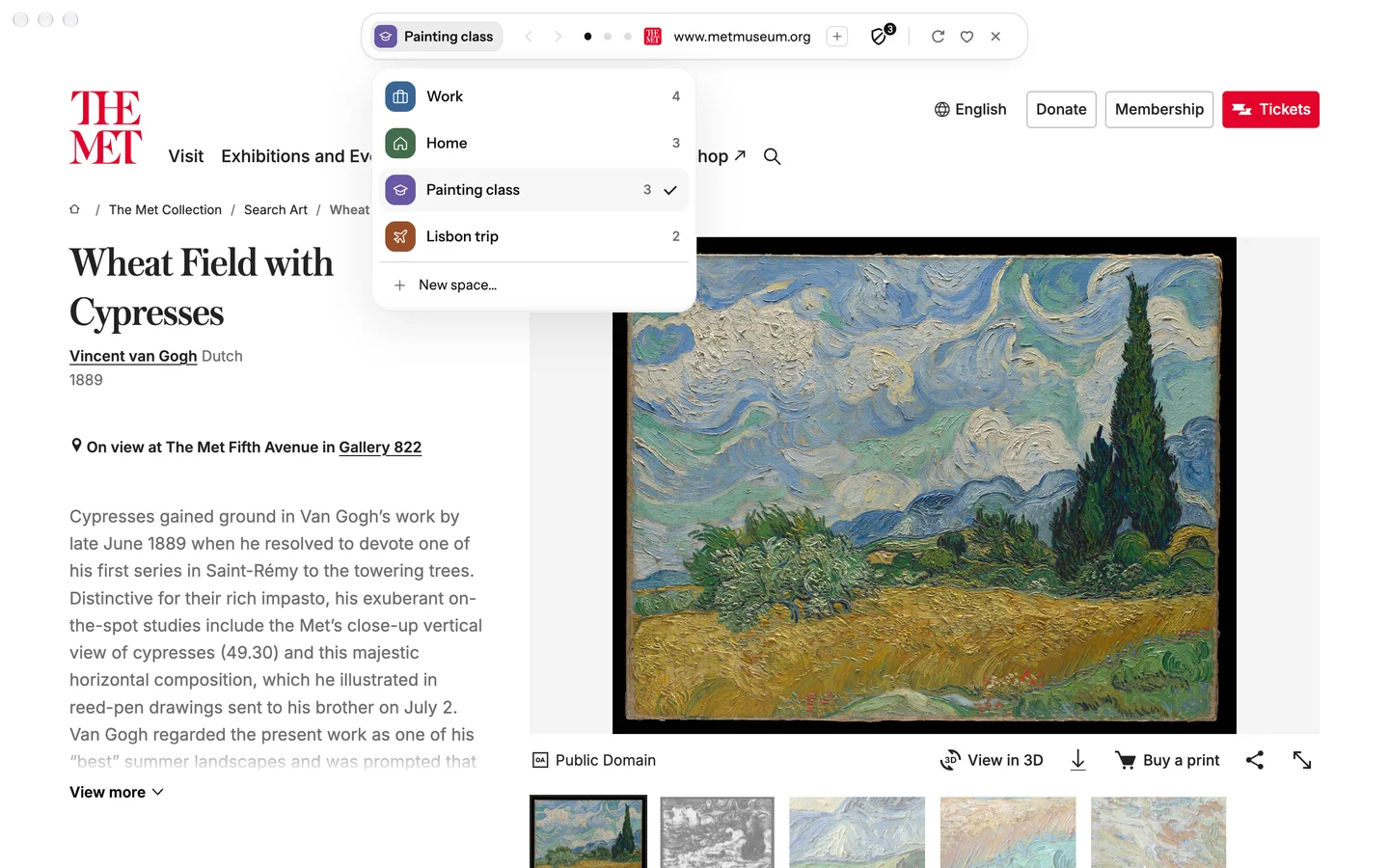
In Blanc, press ⌘L on Mac or Ctrl+L on Windows and Linux, then run /bring-tabs.
Use the Arc option to preview your Spaces. If Blanc cannot find the sidebar file, use Choose file… to select StorableSidebar.json. On Linux, select a copy of that file from your Mac or Windows computer.
Select the Spaces you want and decide whether to include Arc’s top-row Favorites, then confirm the import. Each selected Space becomes a Blanc Space. Open an imported space when you are ready to use it.
This is a tab import, not a transfer of your accounts or browsing history. Blanc reads Arc’s sidebar file without changing it.
| From Arc | In Blanc |
|---|---|
| Selected Spaces | Separate Blanc Spaces |
| Pinned tabs and Today tabs | Tabs in the imported space; loose pinned tabs remain pinned |
| Folders | Tab groups |
| Top-row Favorites, if selected | A Favorites folder named Arc |
| Sign-ins, passwords, history and archived tabs | Not imported |
| Notes and Easels | Not imported |
Blanc does not install extensions from the Chrome Web Store or include an AI assistant. If either is essential to you, check those limits before switching. Importing your tabs does not sign you into their websites.
Named tab groups keep related tabs together and fold away when you want a quieter view. Blanc Spaces, free for everyone, save a window’s tabs and groups so you can switch between sets in place.
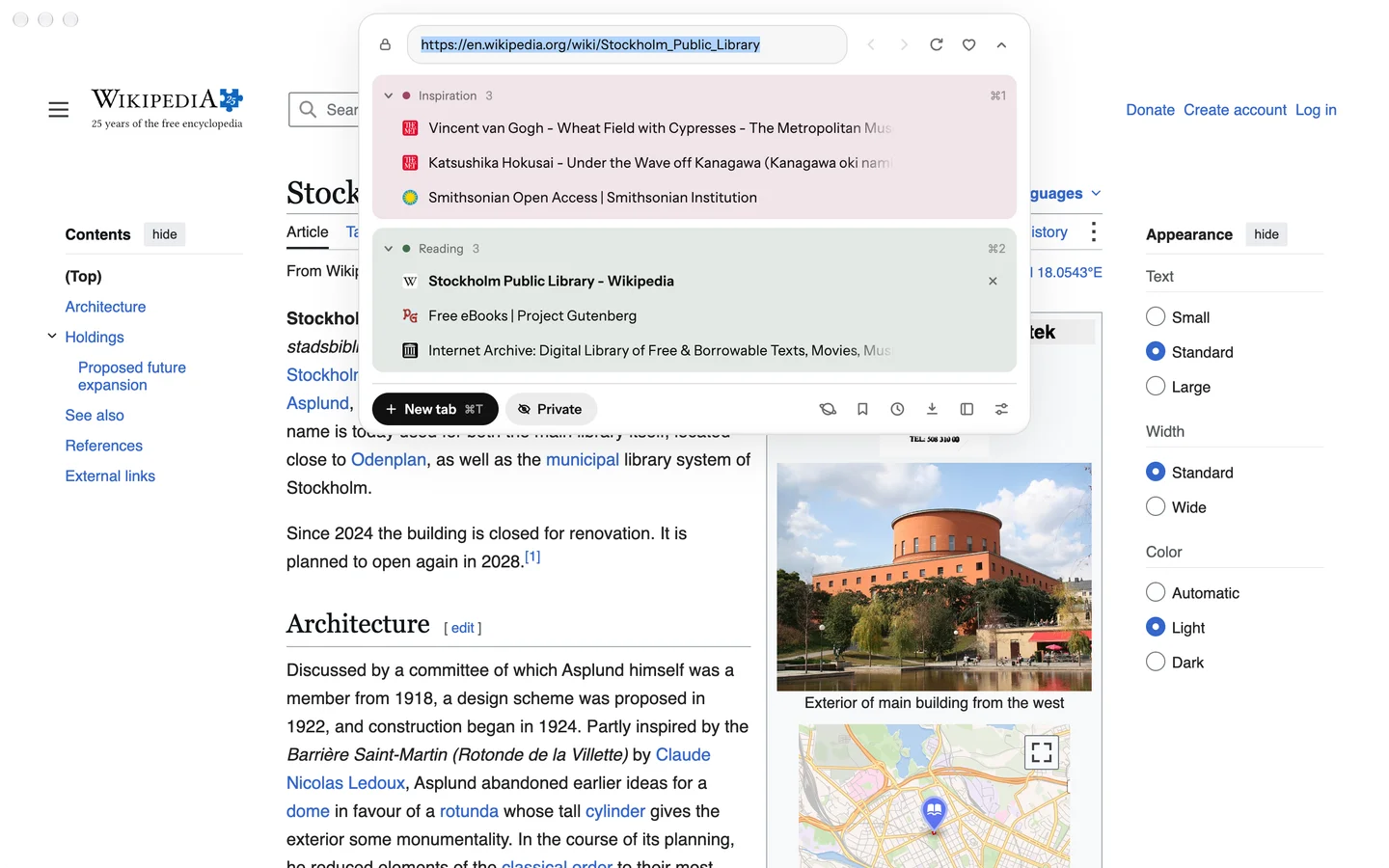
Glance opens another tab as a card over the page you are using. Move or resize it, open it as a tab, or keep the two side by side in Split View.
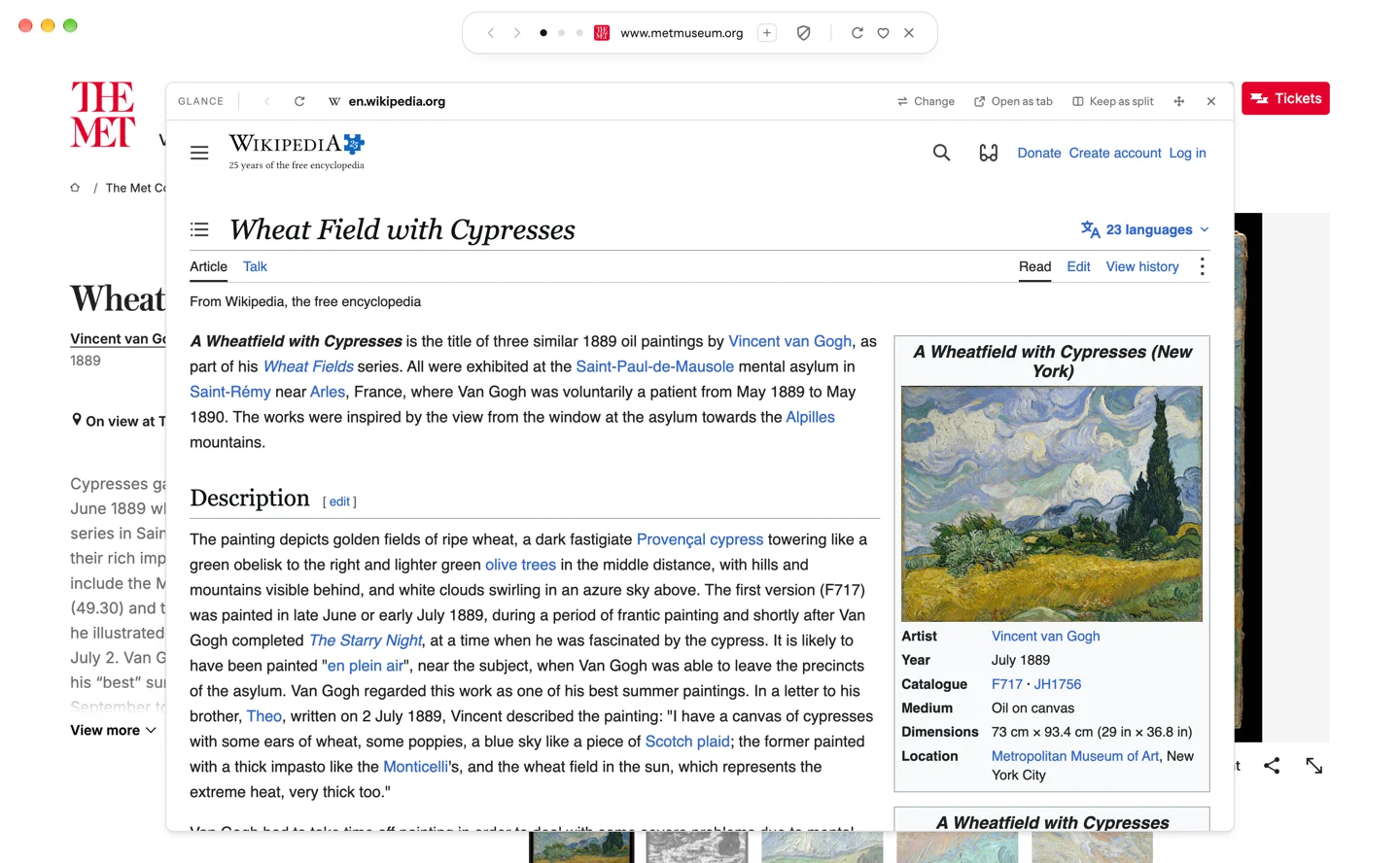
Press ⌘L on a Mac or Ctrl+L on Windows and Linux to search the web, switch tabs, find history and favorites, or run slash commands.
Switch on optional vertical tabs for a persistent, resizable tab list. The island stays your address bar and command surface.
Local profiles separate cookies, site data, Favorites, history and permissions, with no account required.
Blanc Blocker is on by default. On supported builds you can choose full uBlock Origin for regular tabs instead.
Blanc can import bookmarks into Favorites from Chromium-based browsers installed on your computer, such as Chrome, Edge and Brave.
Blanc is free for macOS, Windows and Linux. Blanc’s own code is MIT-licensed and public on GitHub; its name, logos and third-party components keep their own terms.