Choose explicitly
Press ⌘⇧G on macOS or Ctrl+Shift+G on Windows and Linux, or choose View → Open Glance. Pick a tab from the current window; the picker stays within its local profile.
Glance opens another open tab as a card over the page you’re on, and the page behind stays usable.
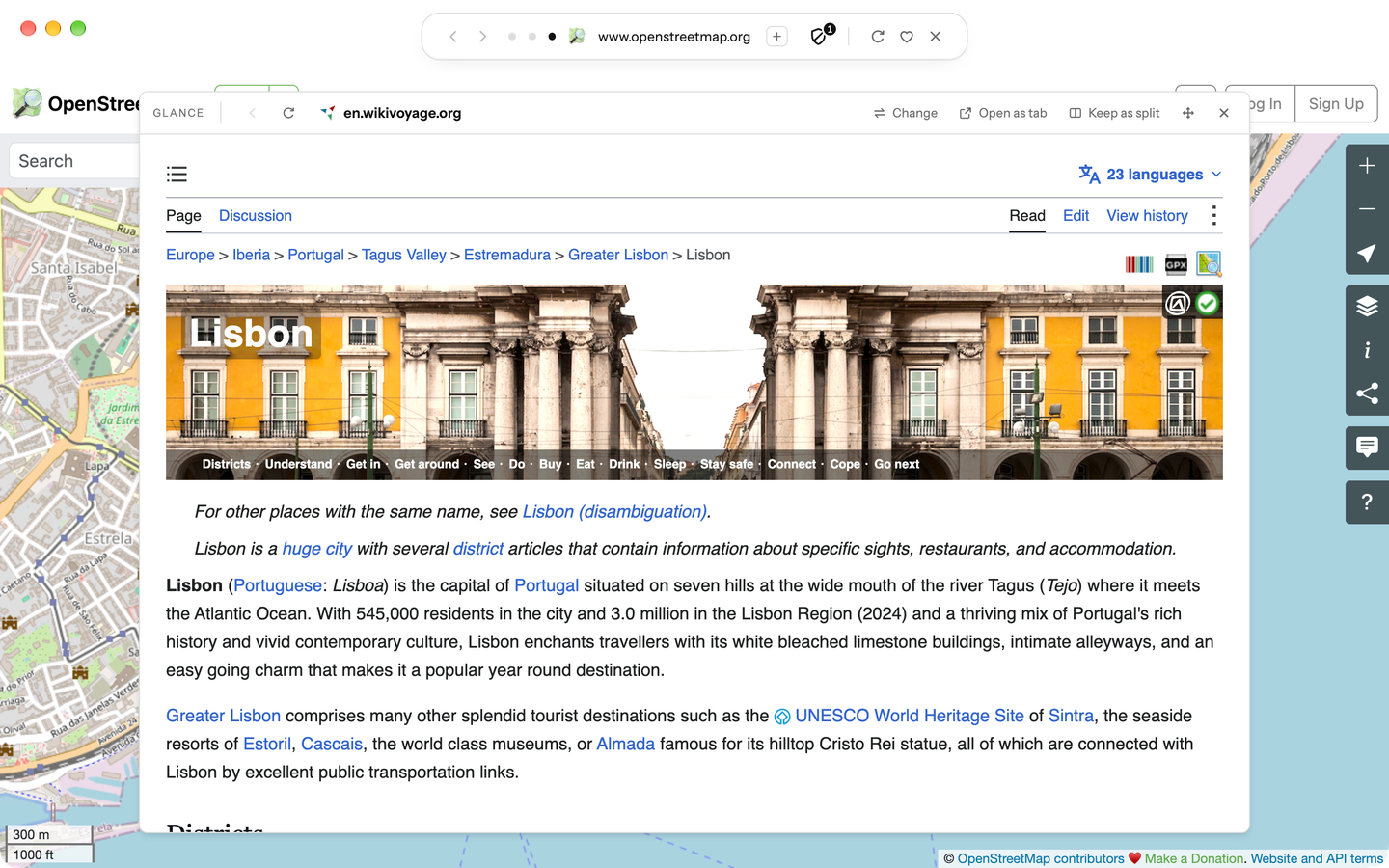
Press ⌘⇧G on macOS or Ctrl+Shift+G on Windows and Linux, or choose View → Open Glance. Pick a tab from the current window; the picker stays within its local profile.
Drag the card’s header to move it, or an edge to resize it, or use the arrow keys on its Move or resize control. Double-click the header to put it back. Blanc remembers where you left it on this device.
Use Change to choose another tab, Open as tab to make it the current tab, or Keep as split to show the two side by side in Split View. Close Glance, or press Escape on its header, without closing either tab.
Selecting a quiet tab for Glance reloads it. While it is open in Glance, Quiet Tabs leaves it alone. The page behind the card stays usable, and switching to another tab closes Glance.
The picker uses tabs from this window and profile. It does not search history, Favorites, remote tabs, or another window.