Billboard
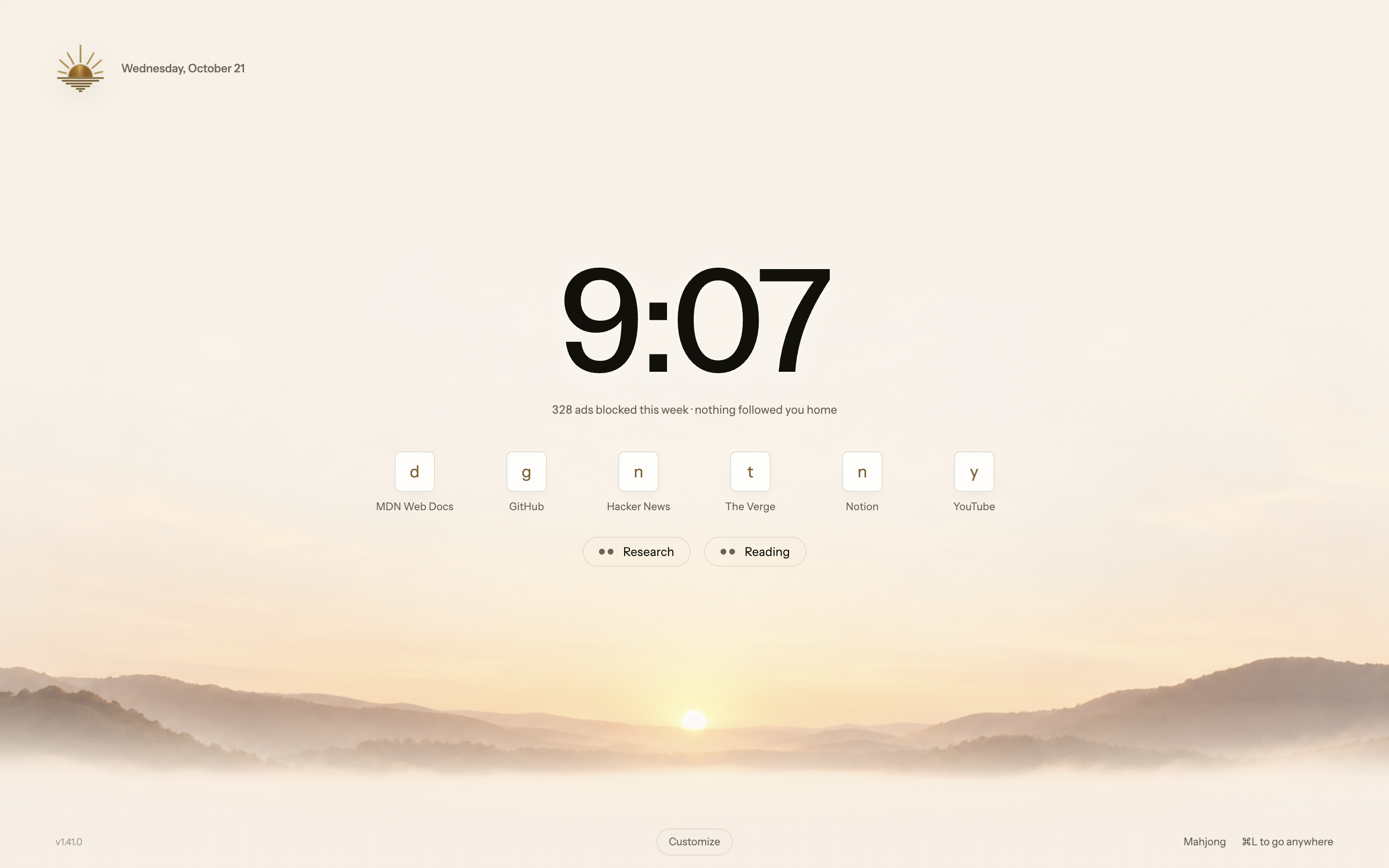
A large clock, your weekly blocked-request total, frequently visited sites, and your named groups. Billboard is the default; change layouts from the start-page footer or Settings → General.
Four layouts for your regular sites and groups, over a time-of-day scene, your own image or a color. Every footer also opens Mahjong in its own tab and leaves your Start Page in place.
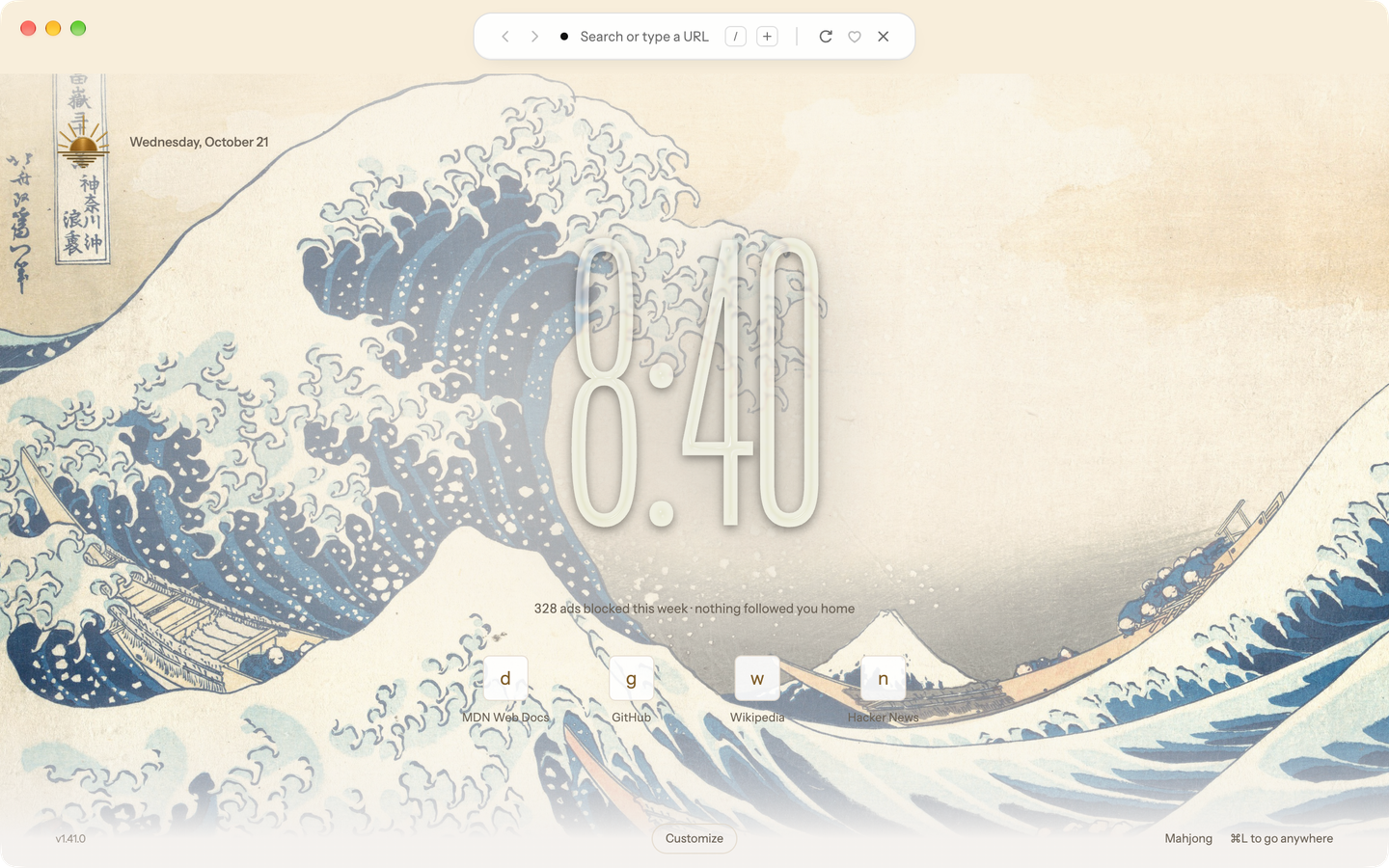
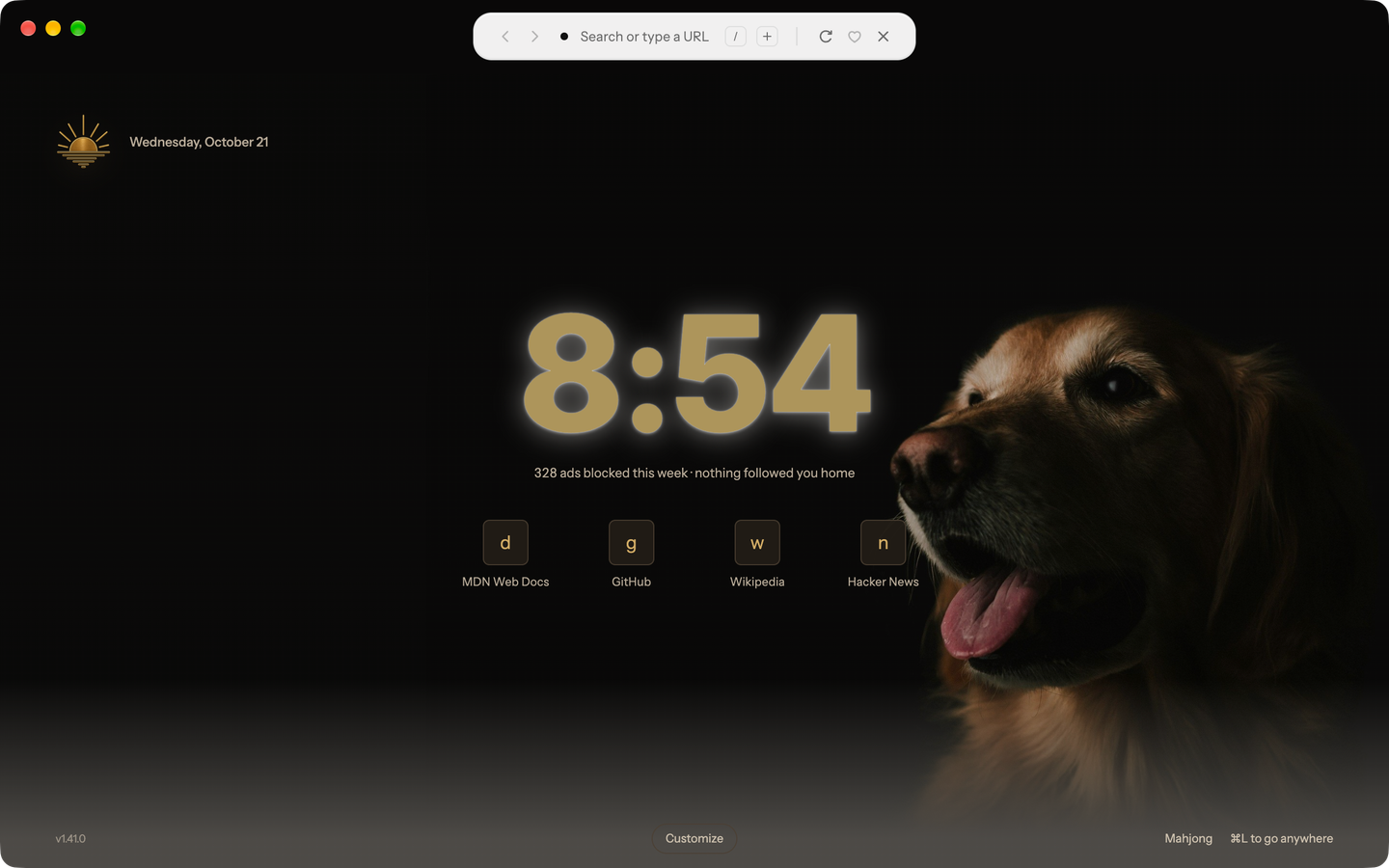
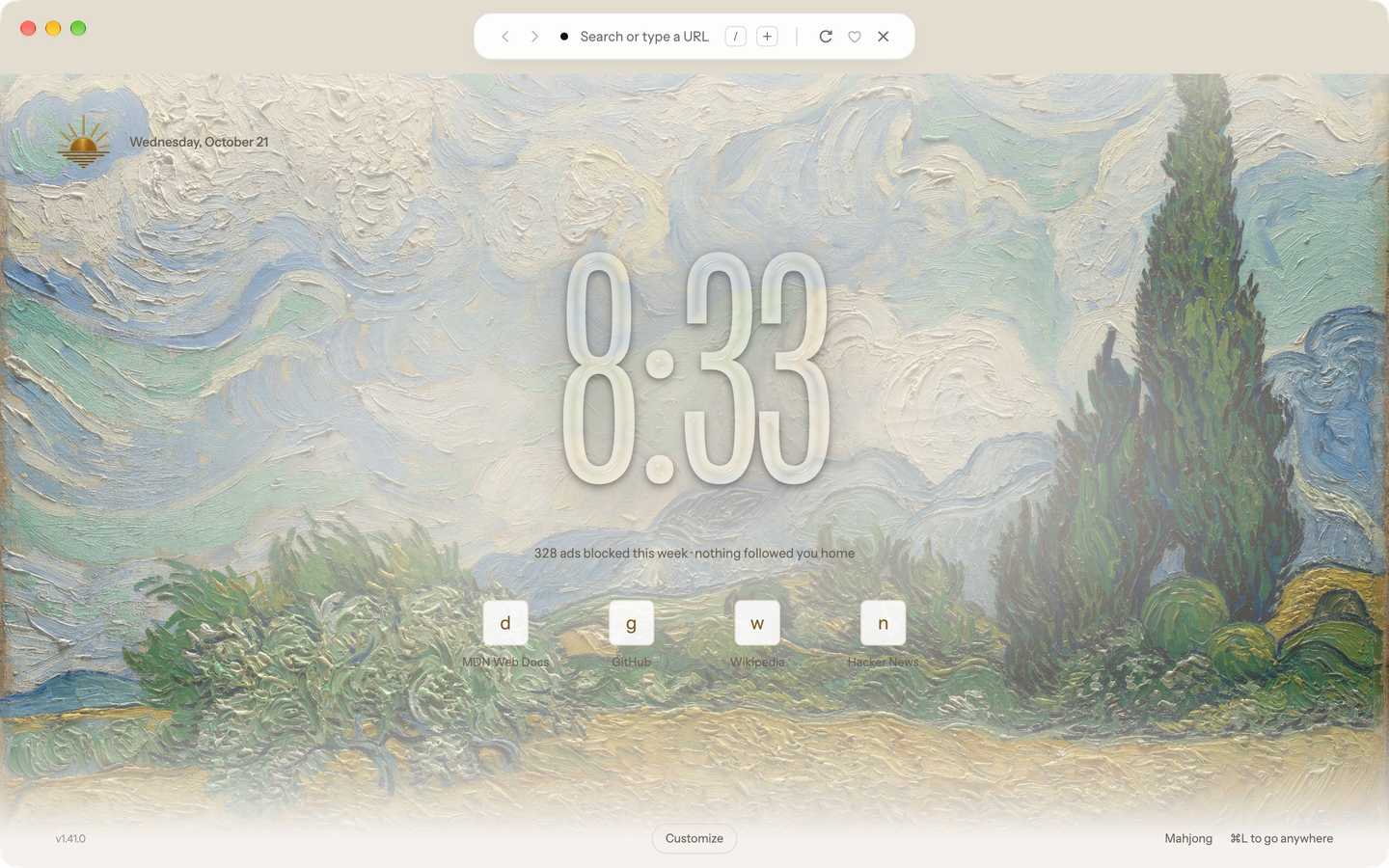
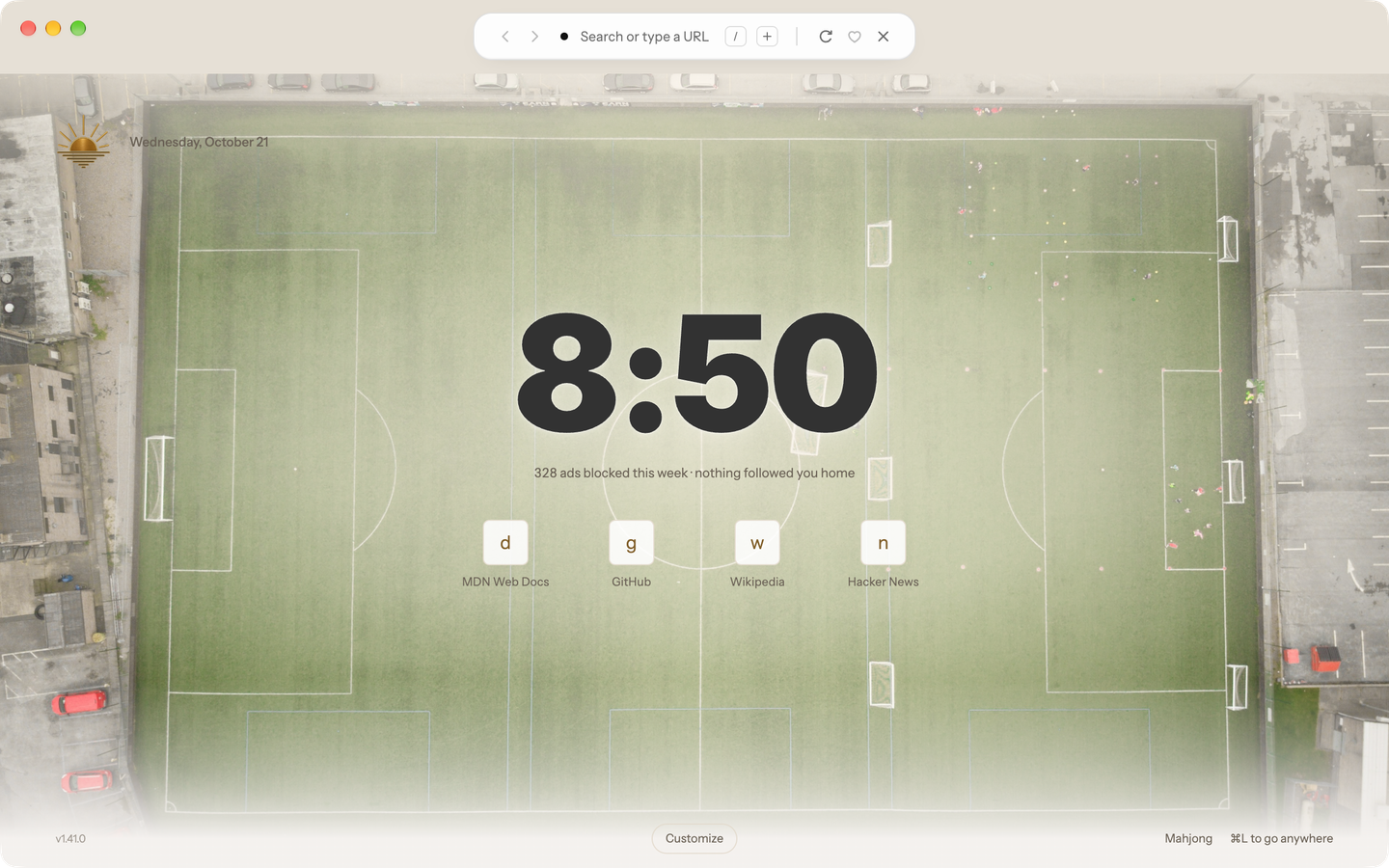
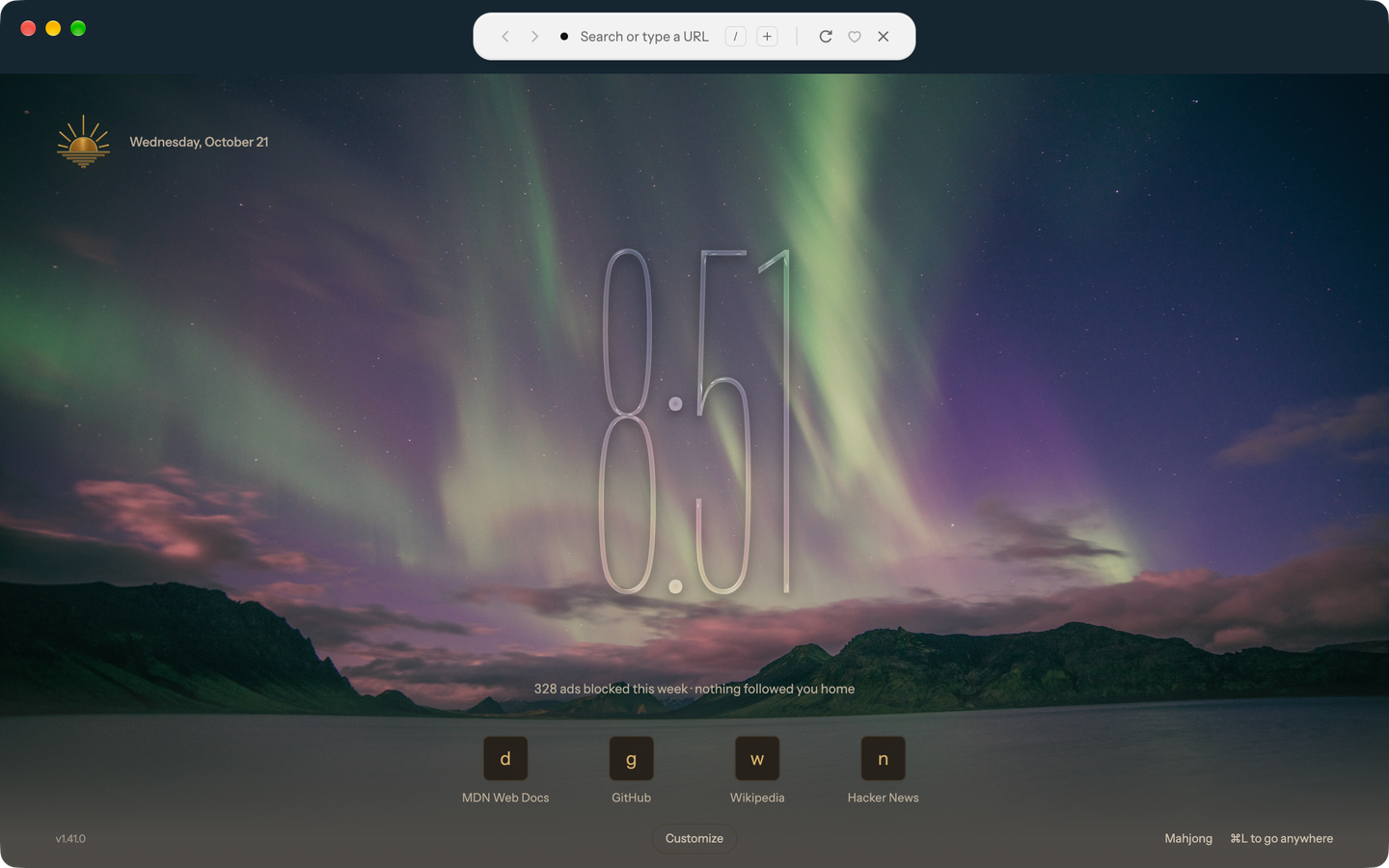
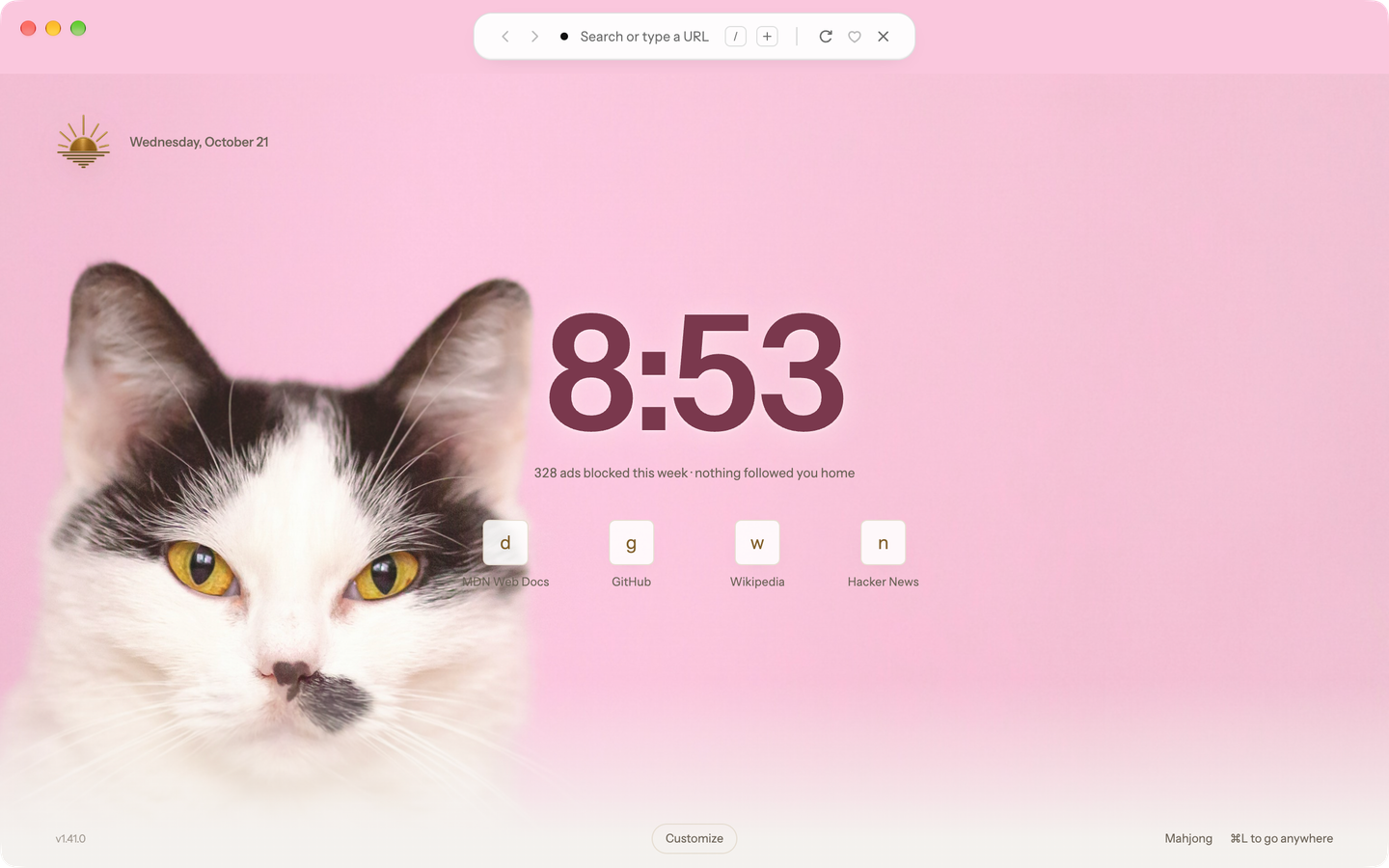
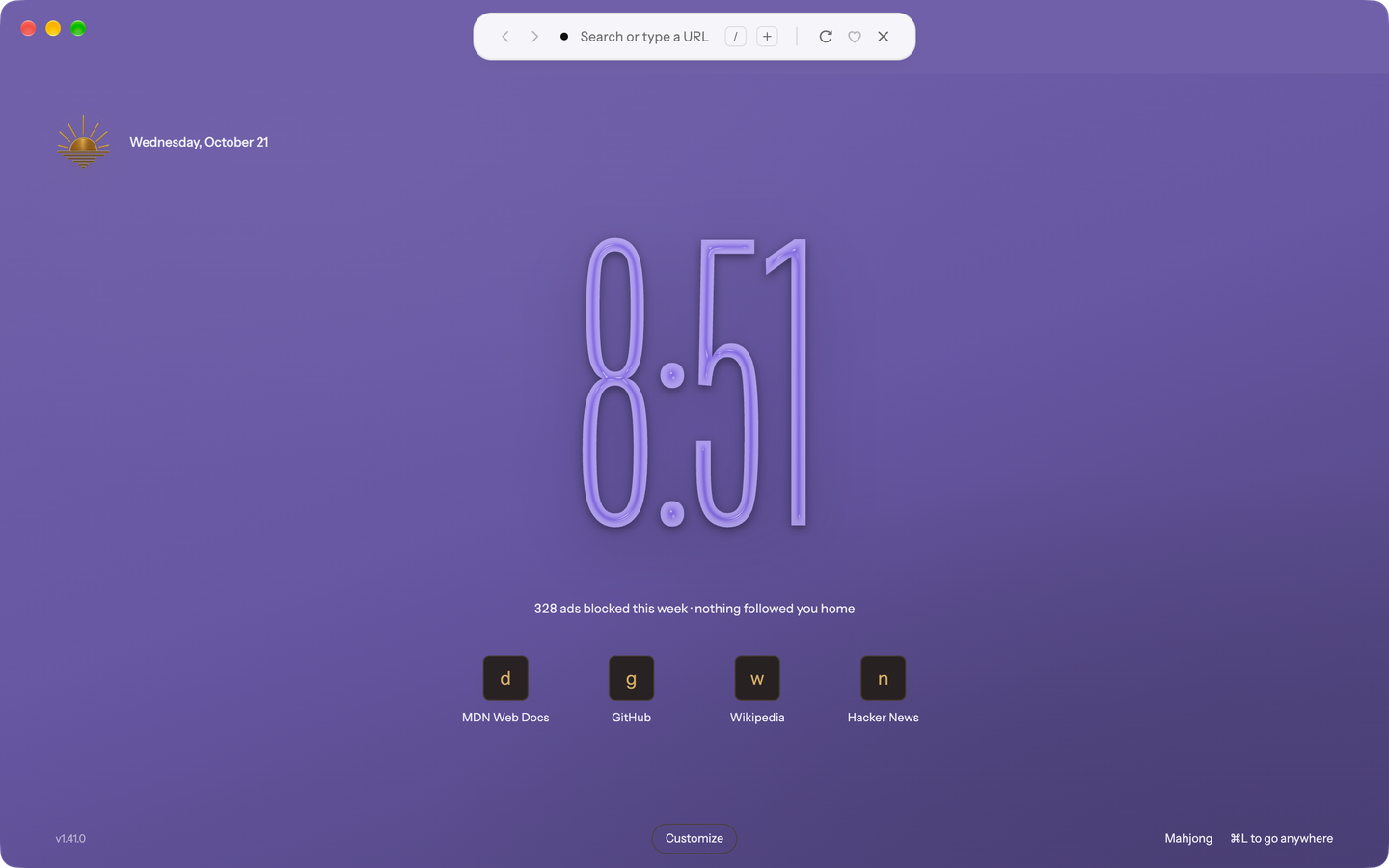
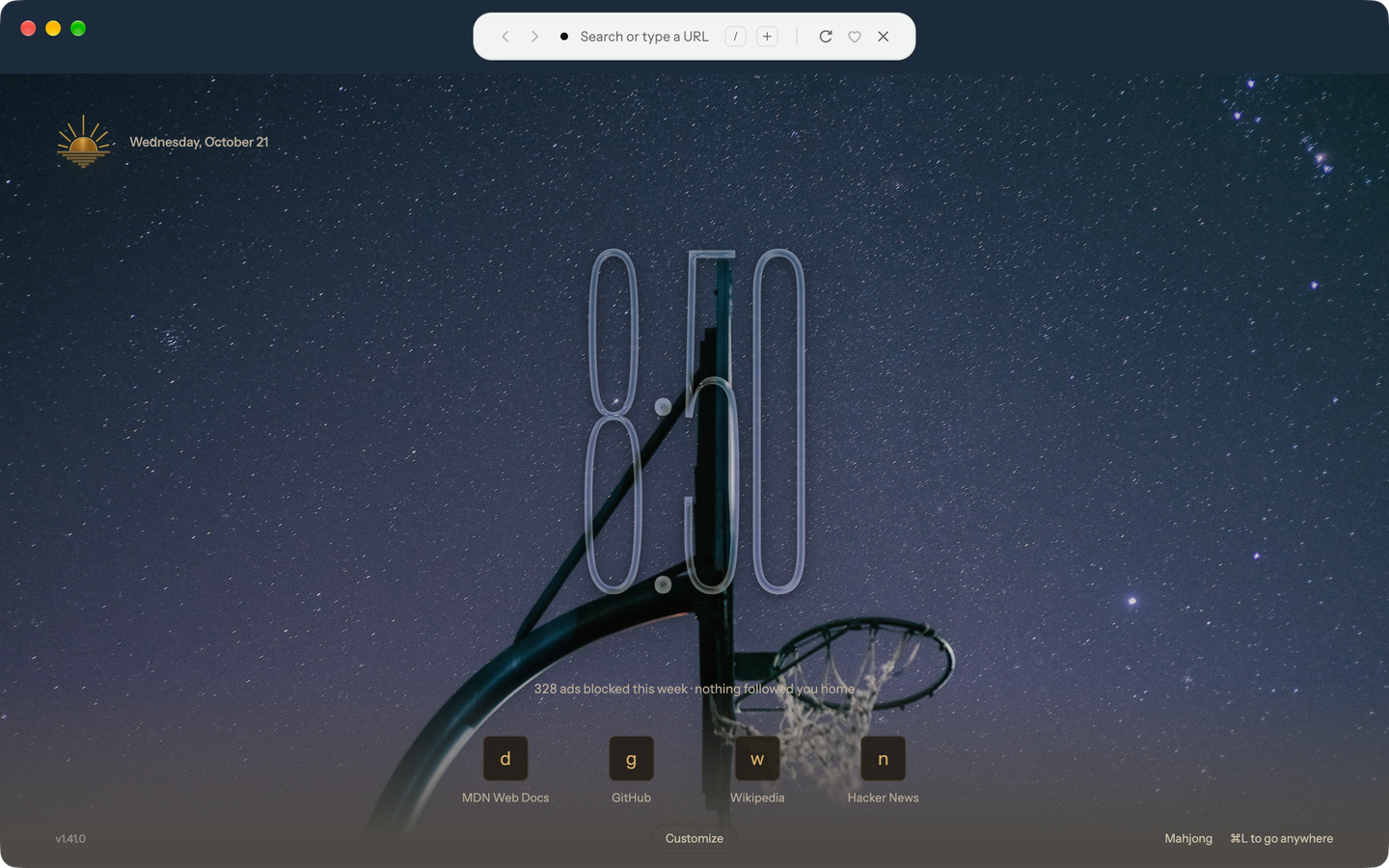
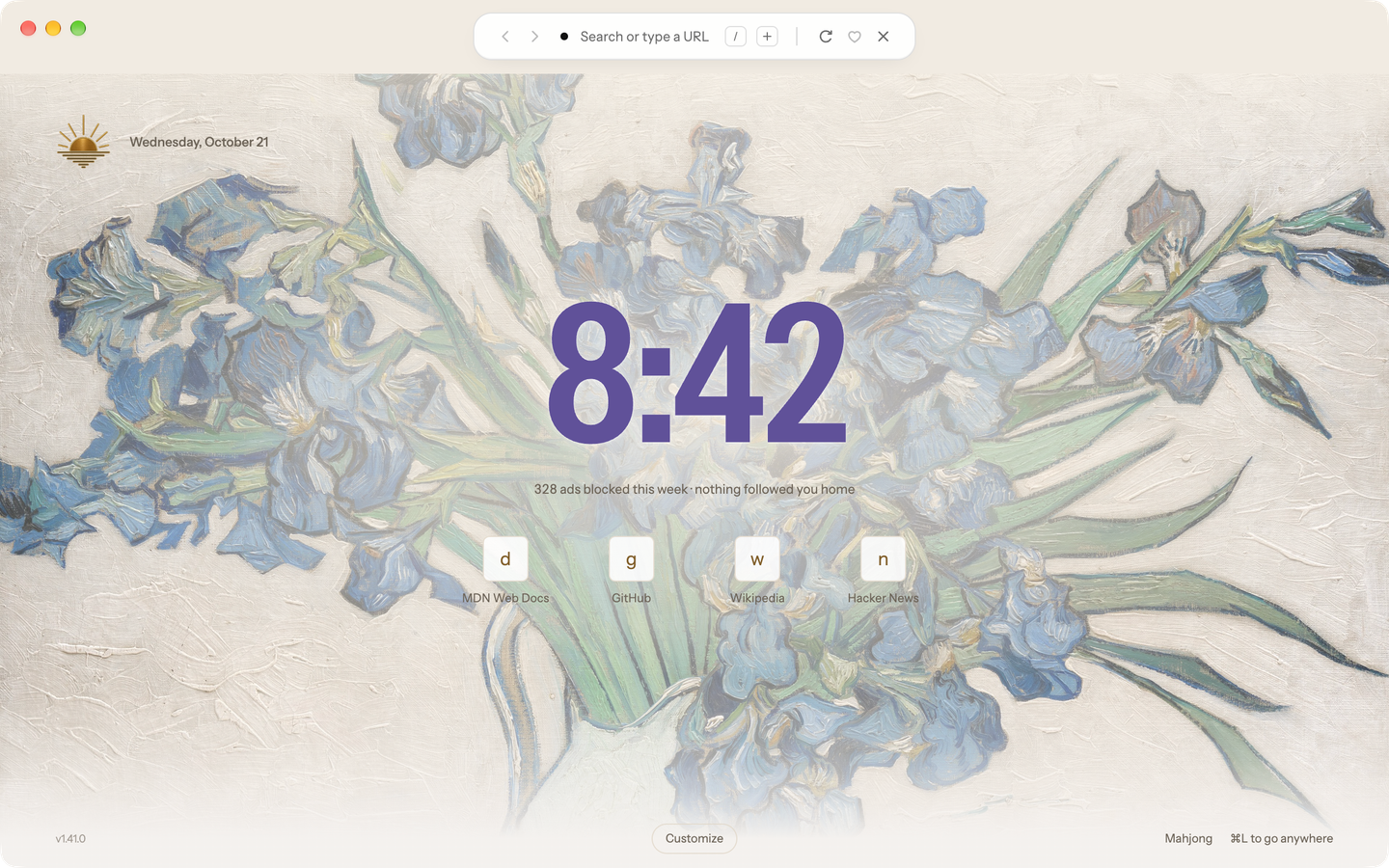
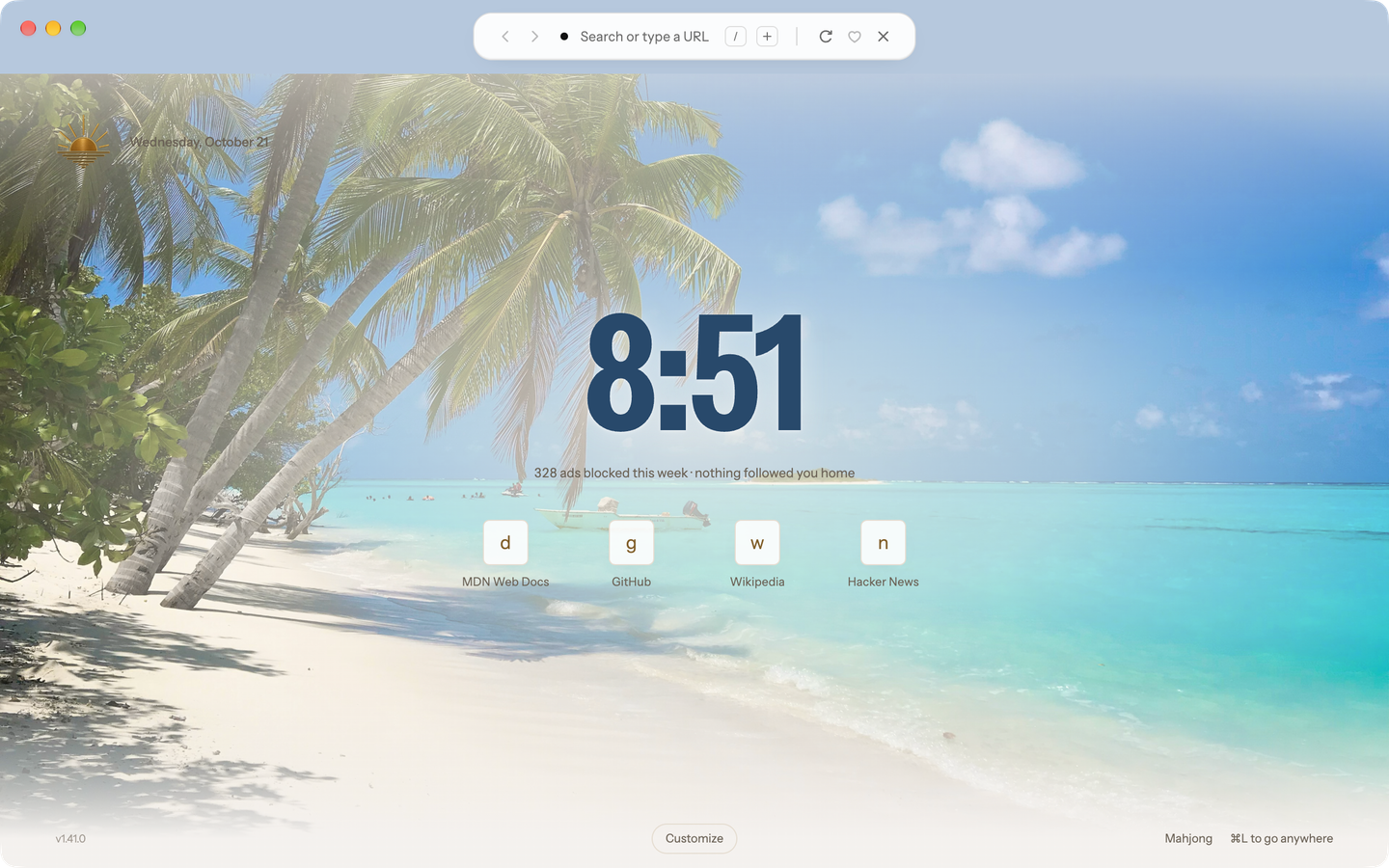
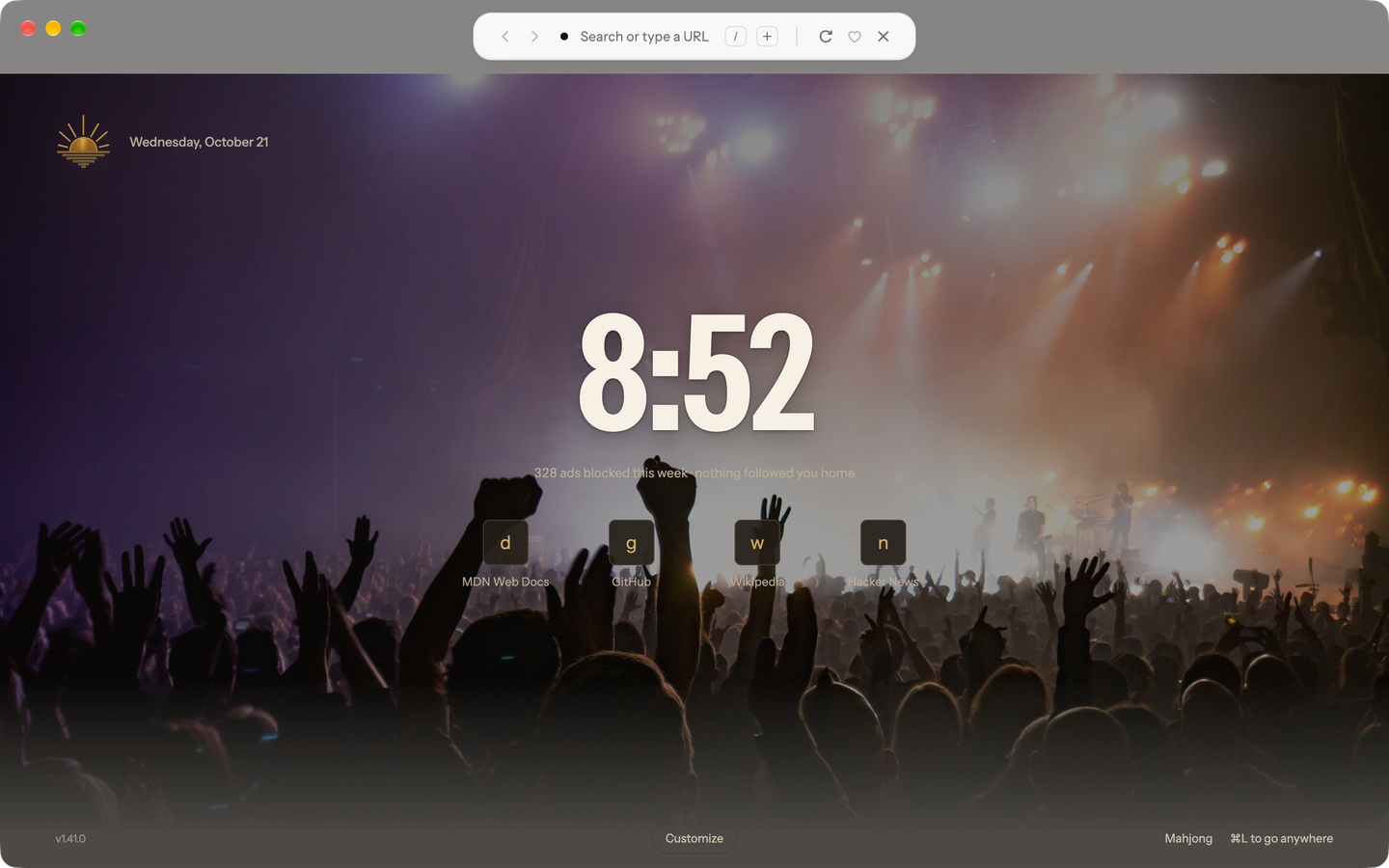
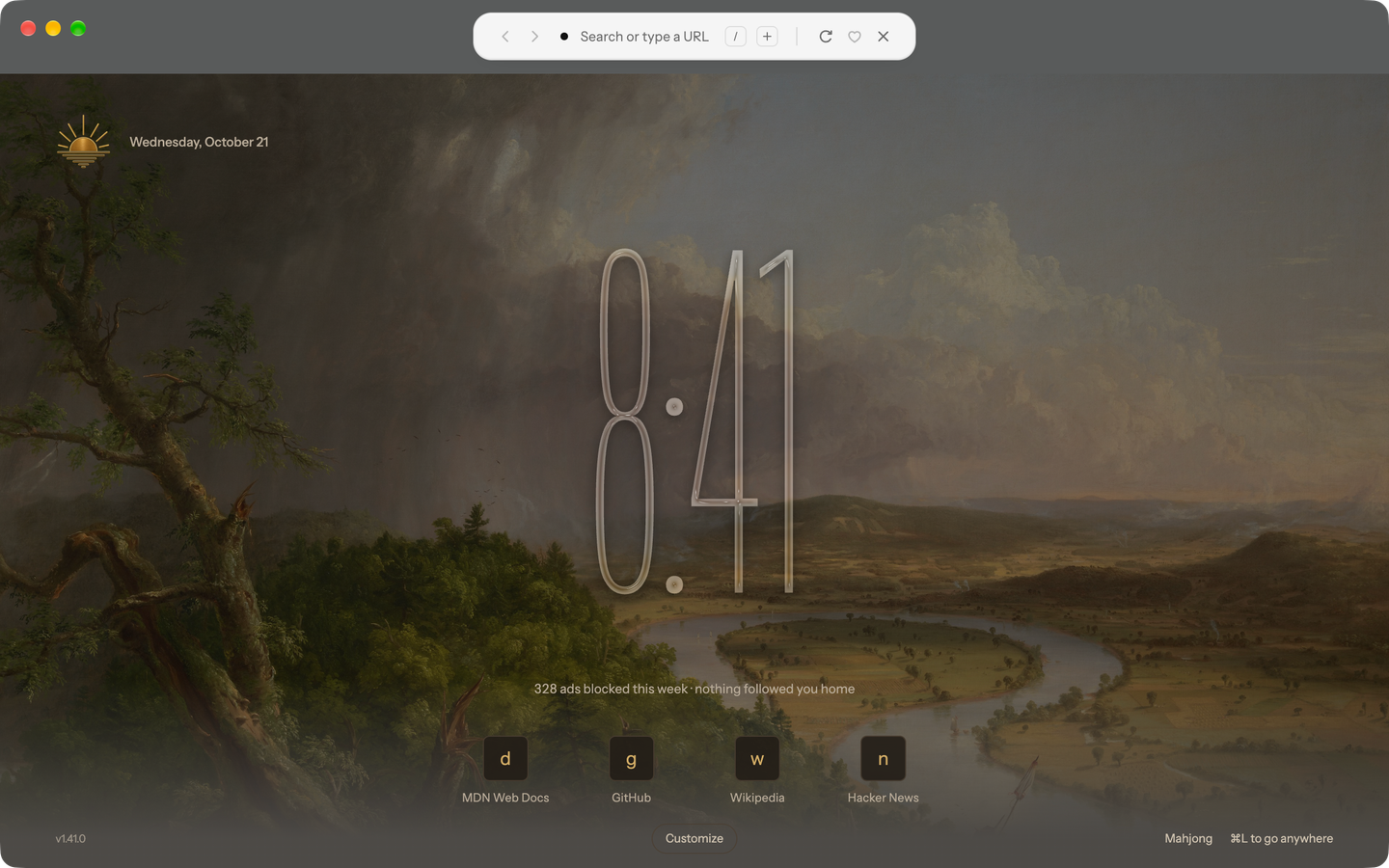
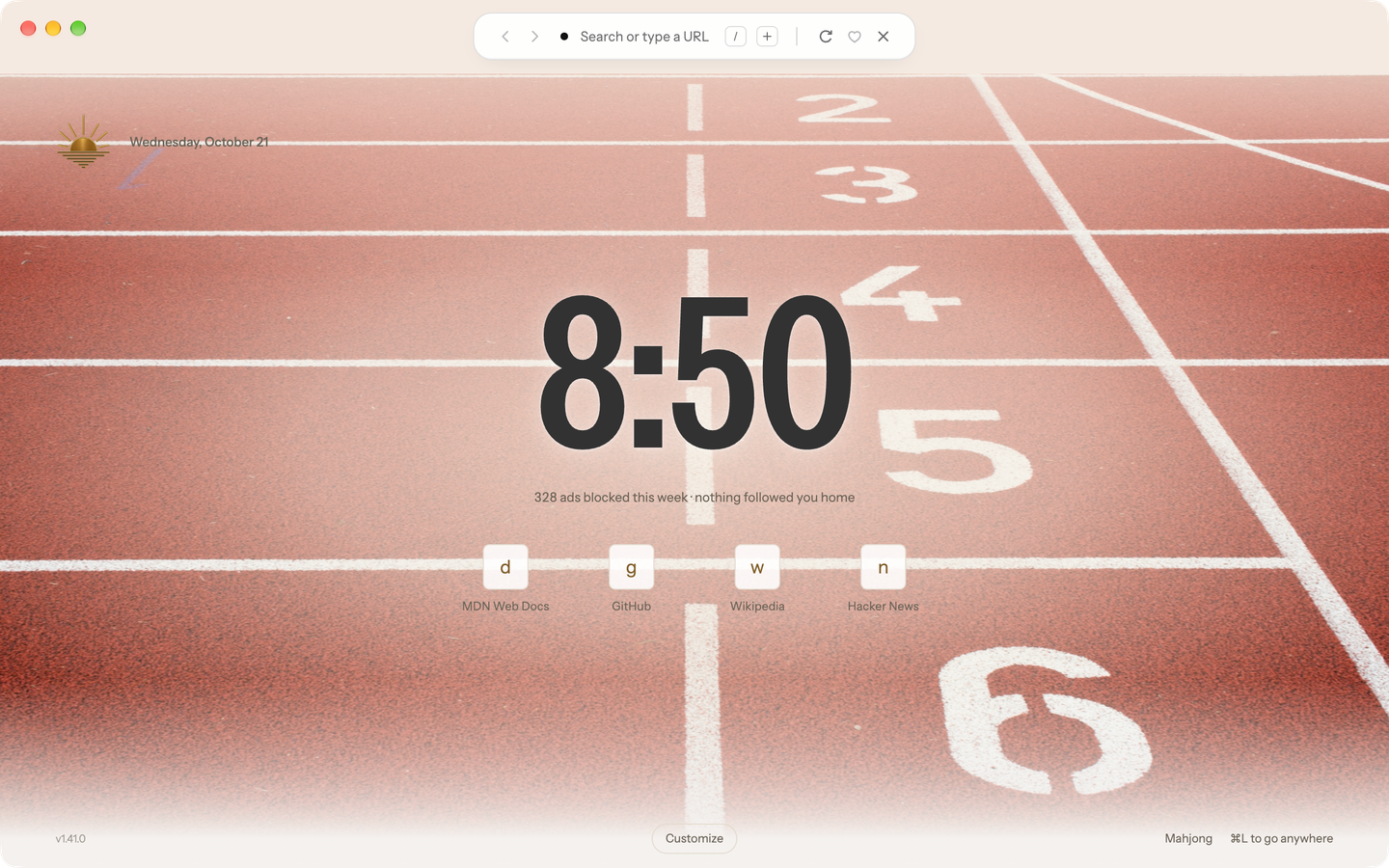
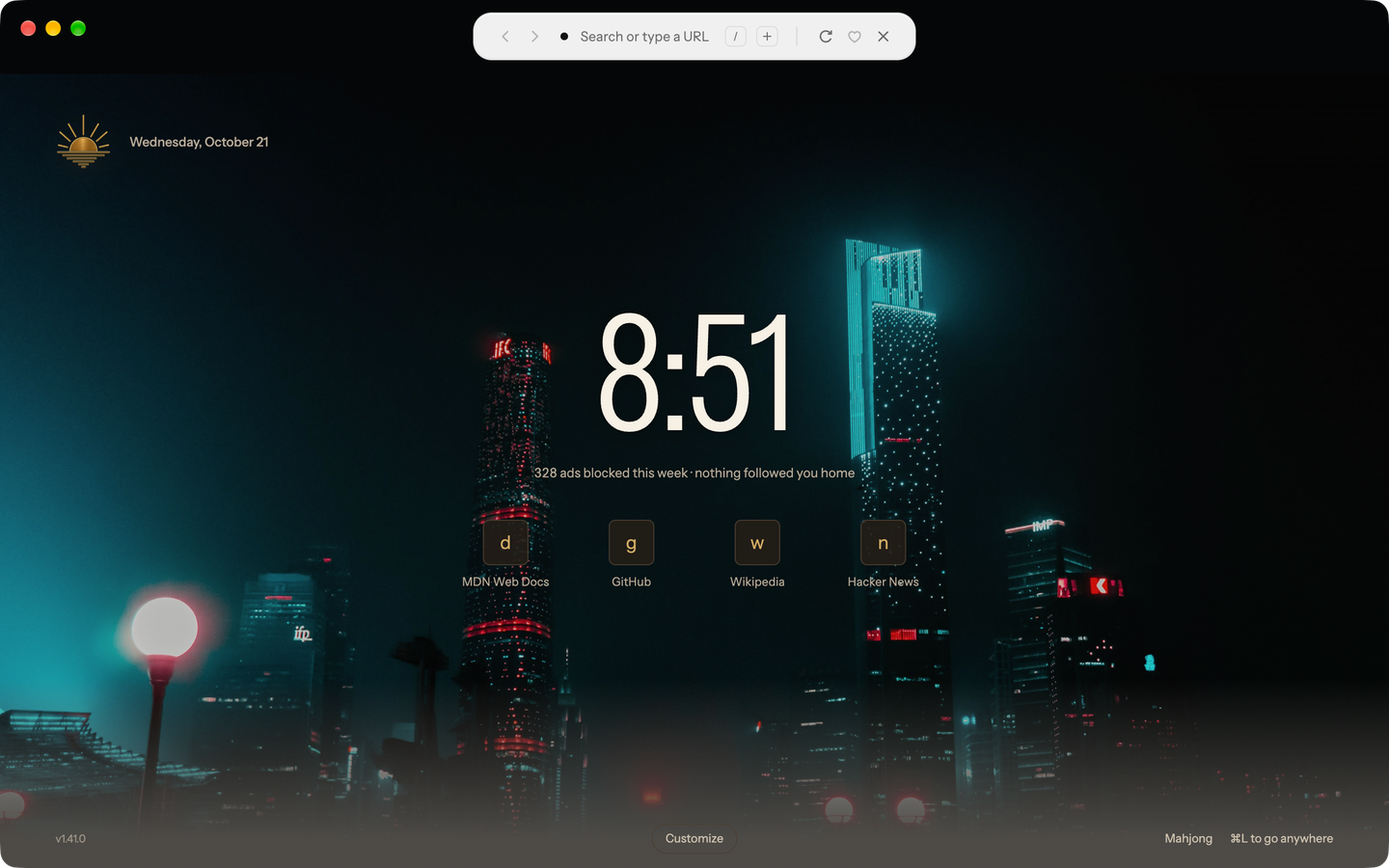
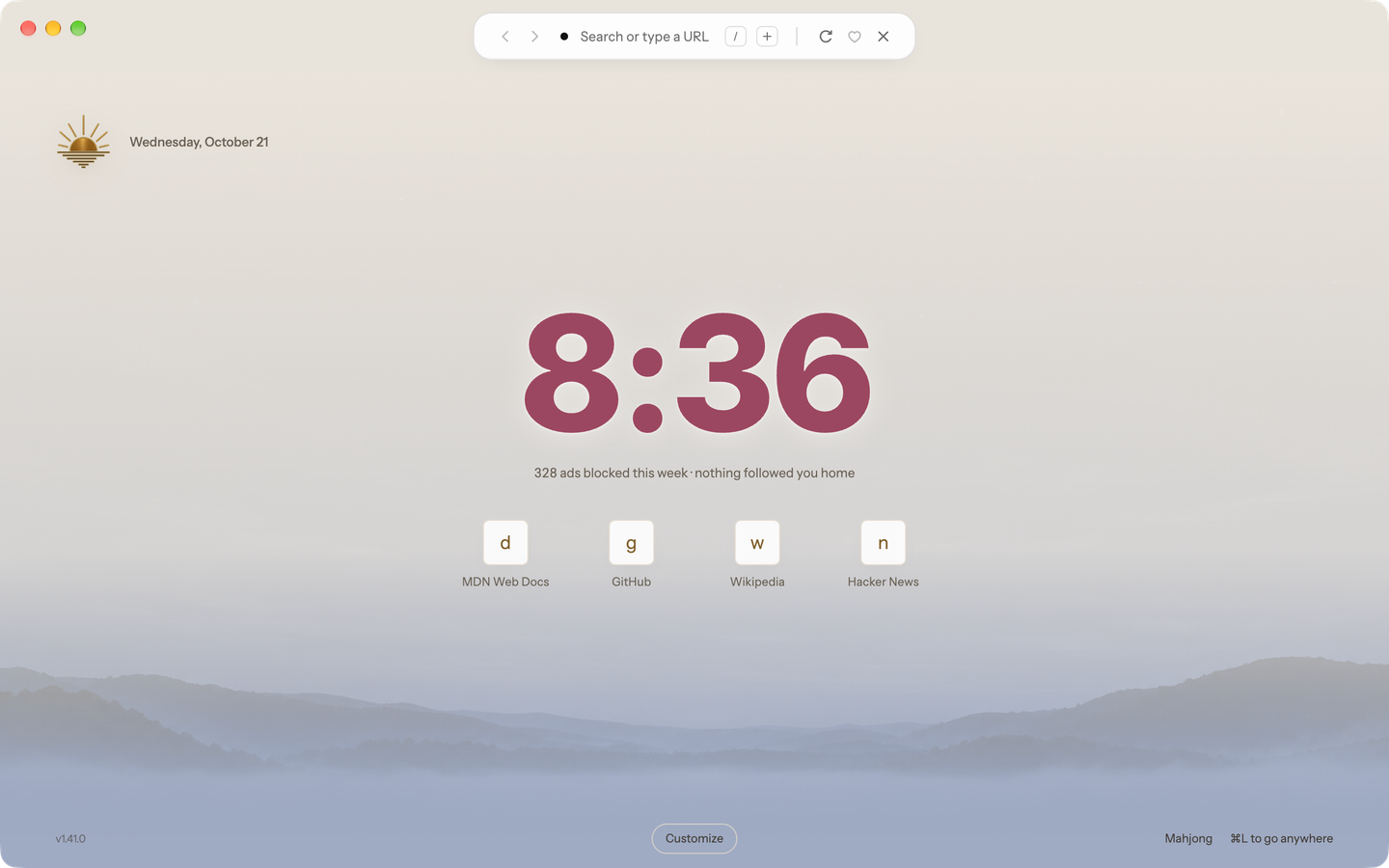
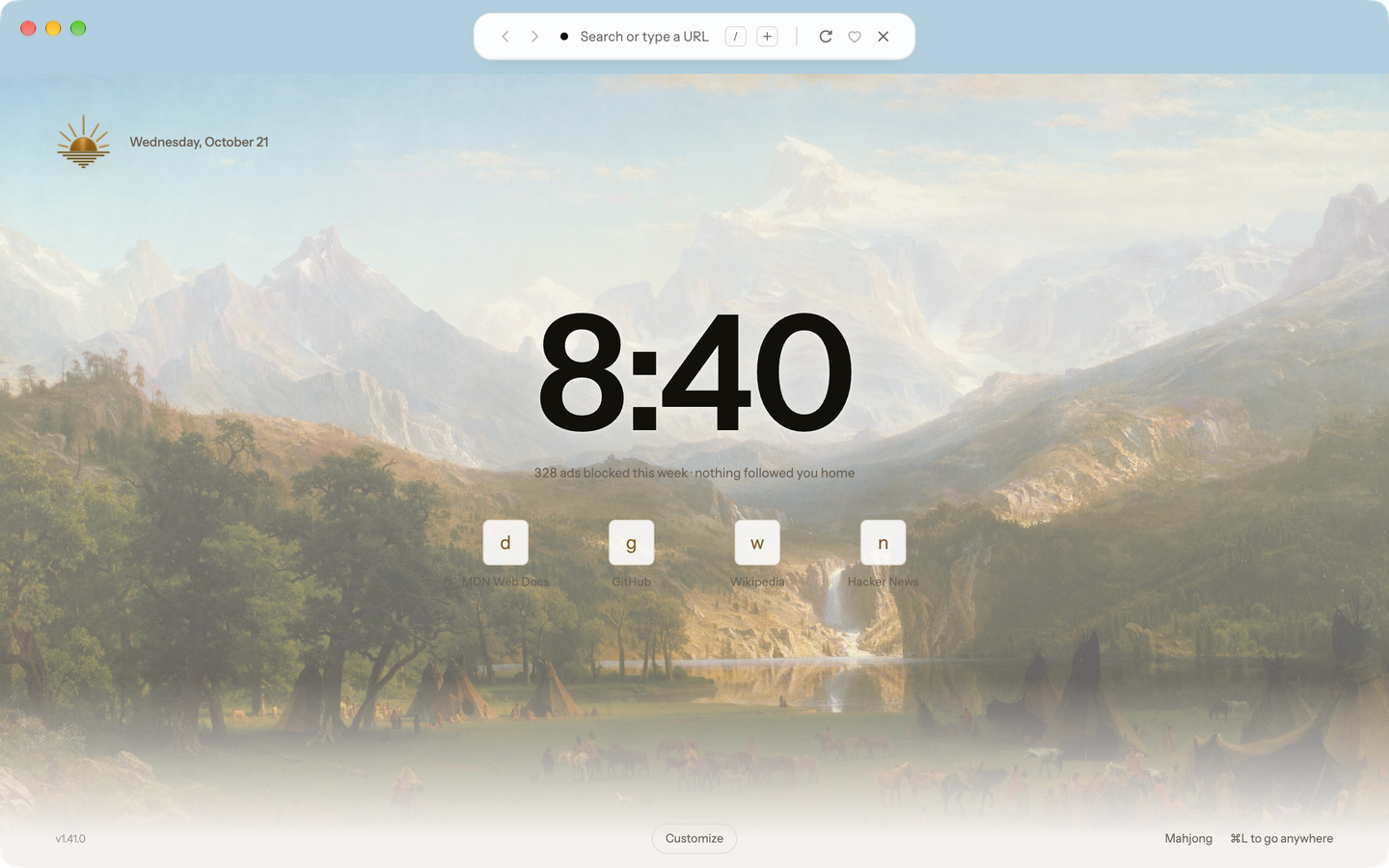
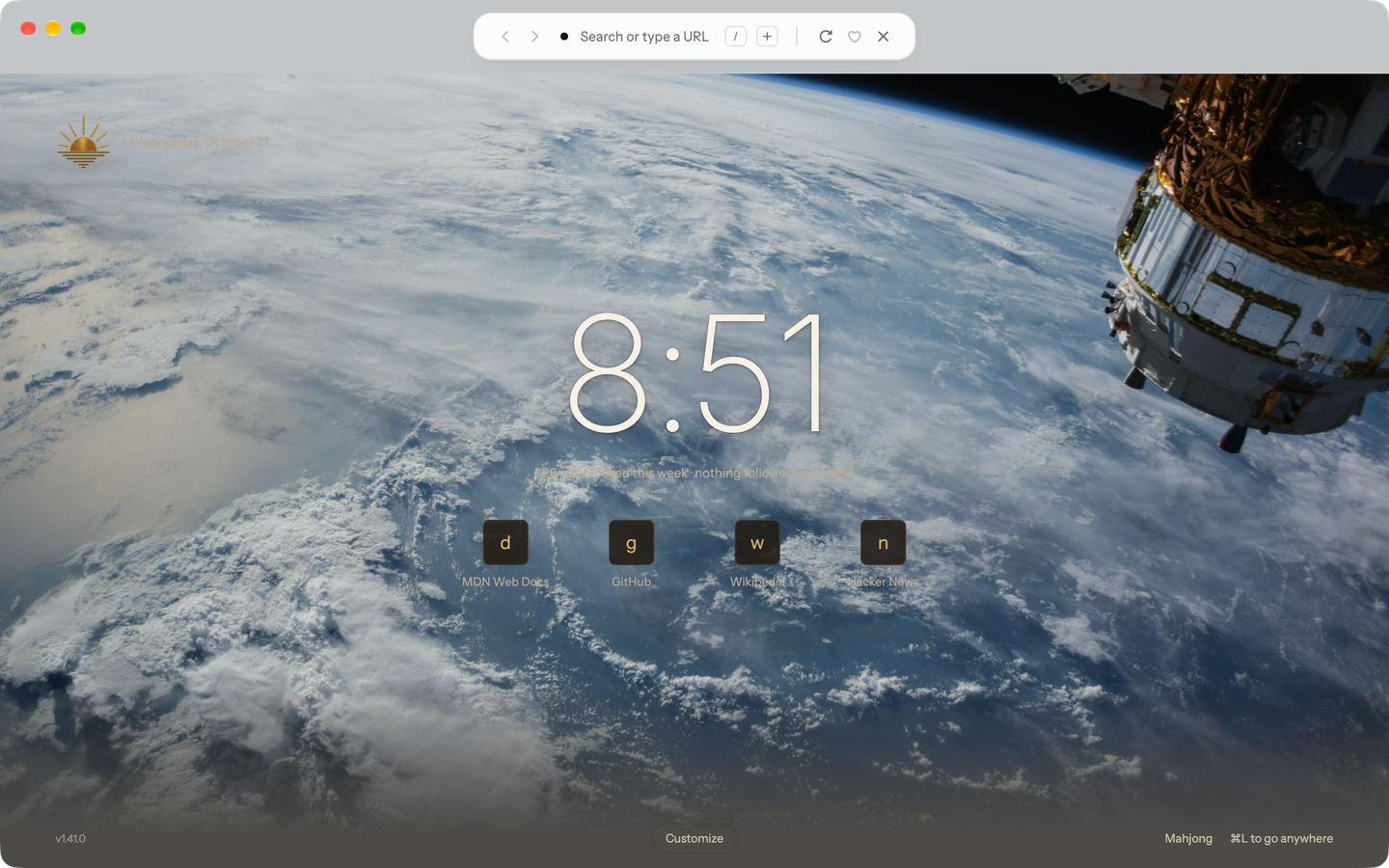
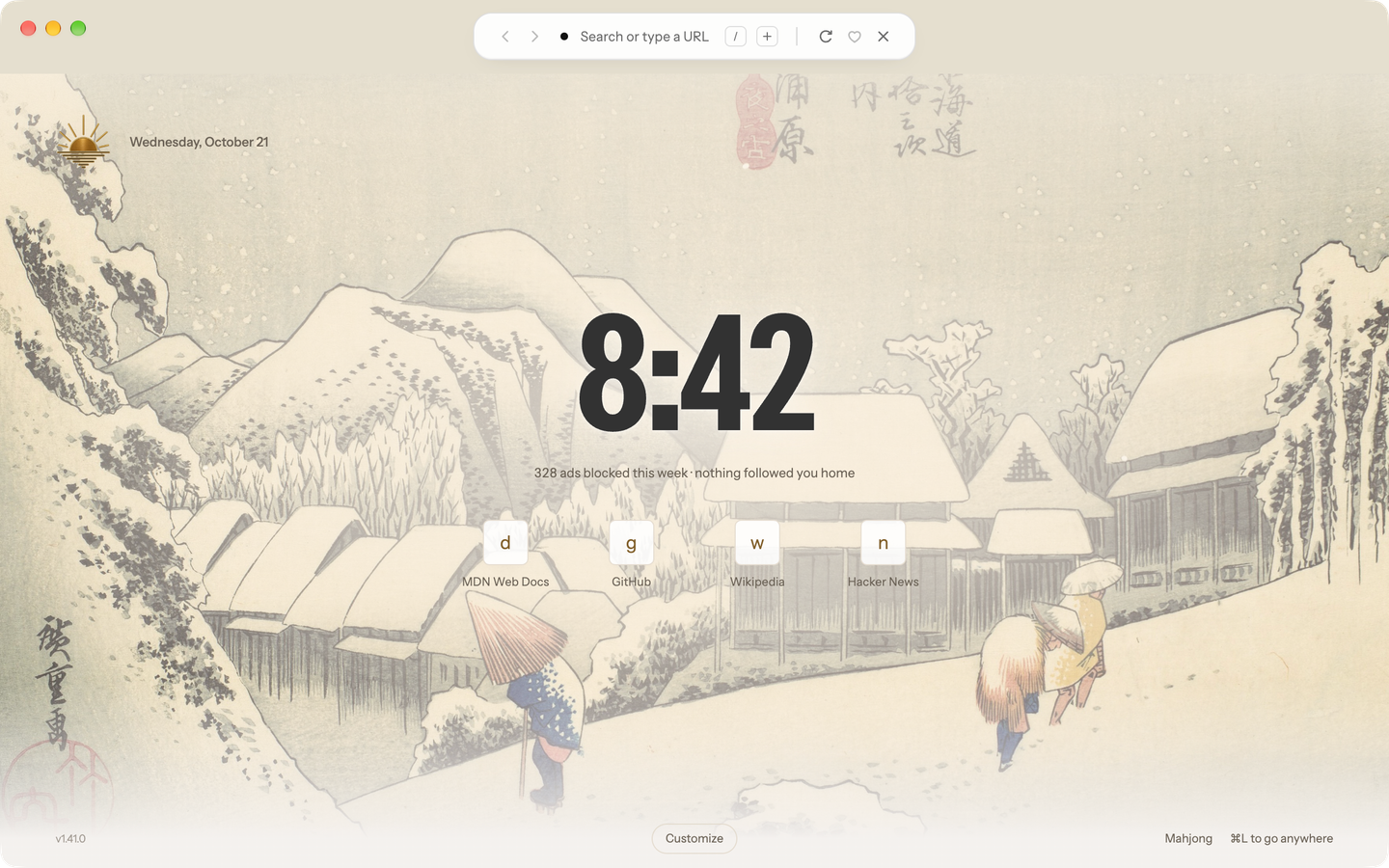
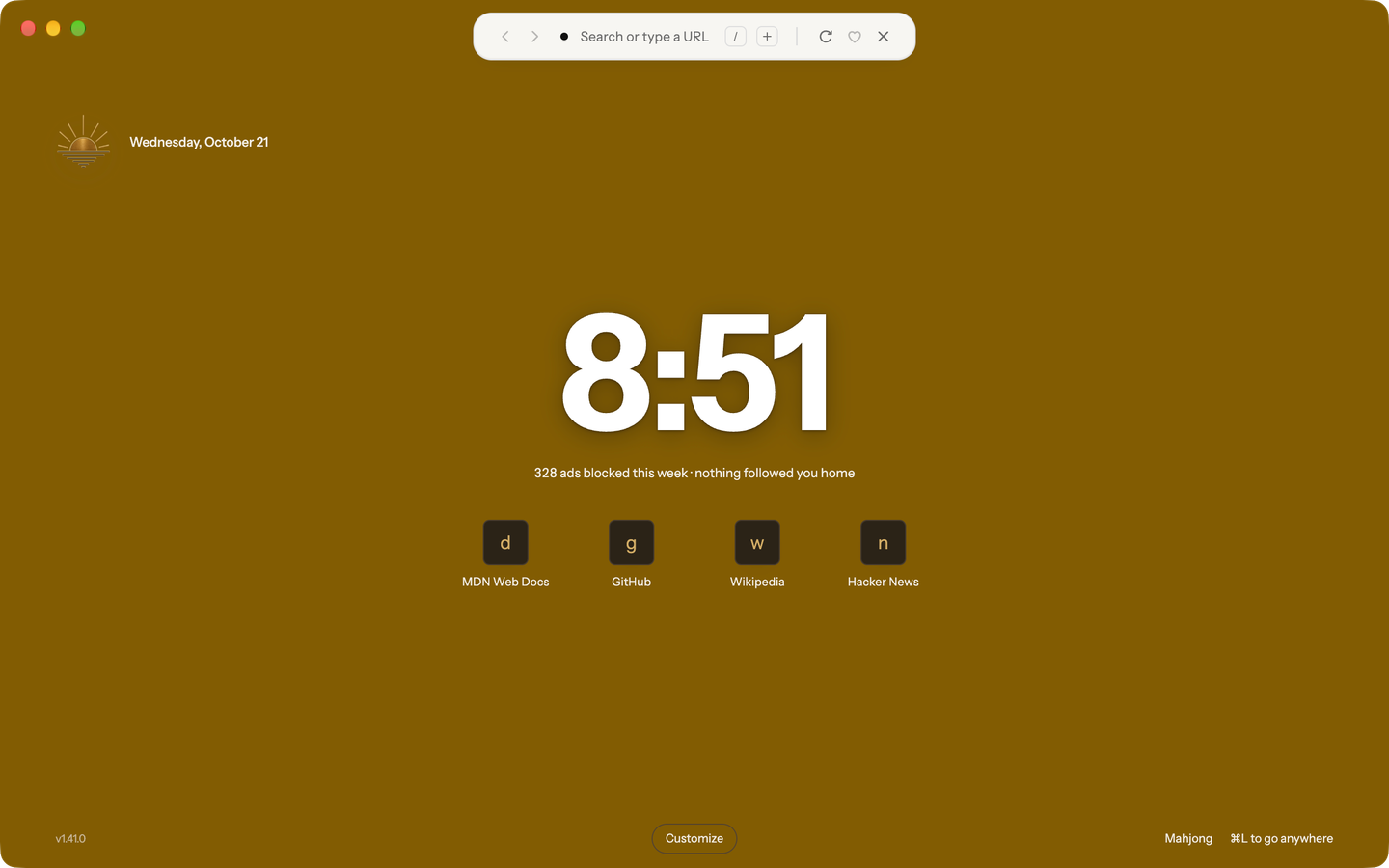
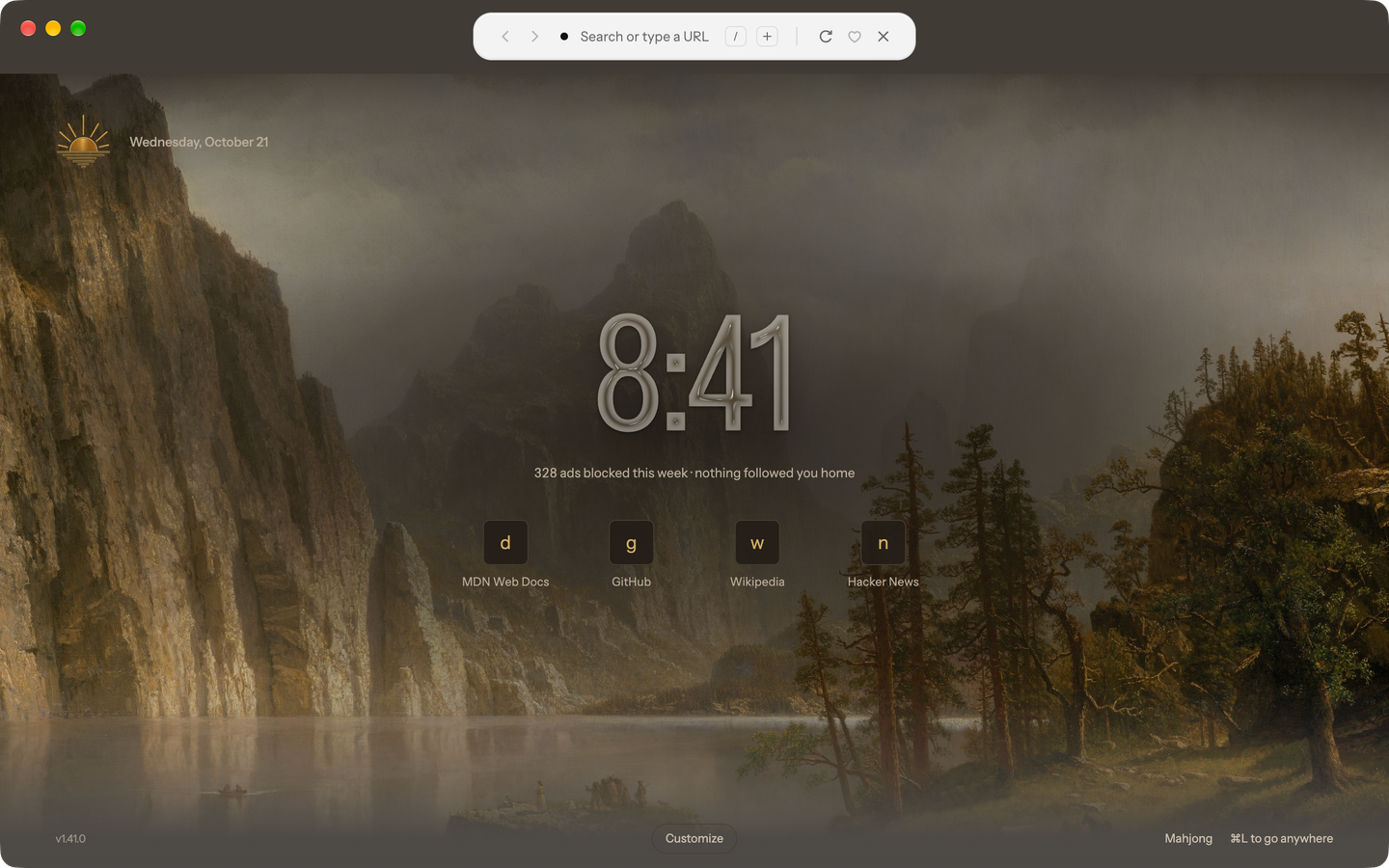
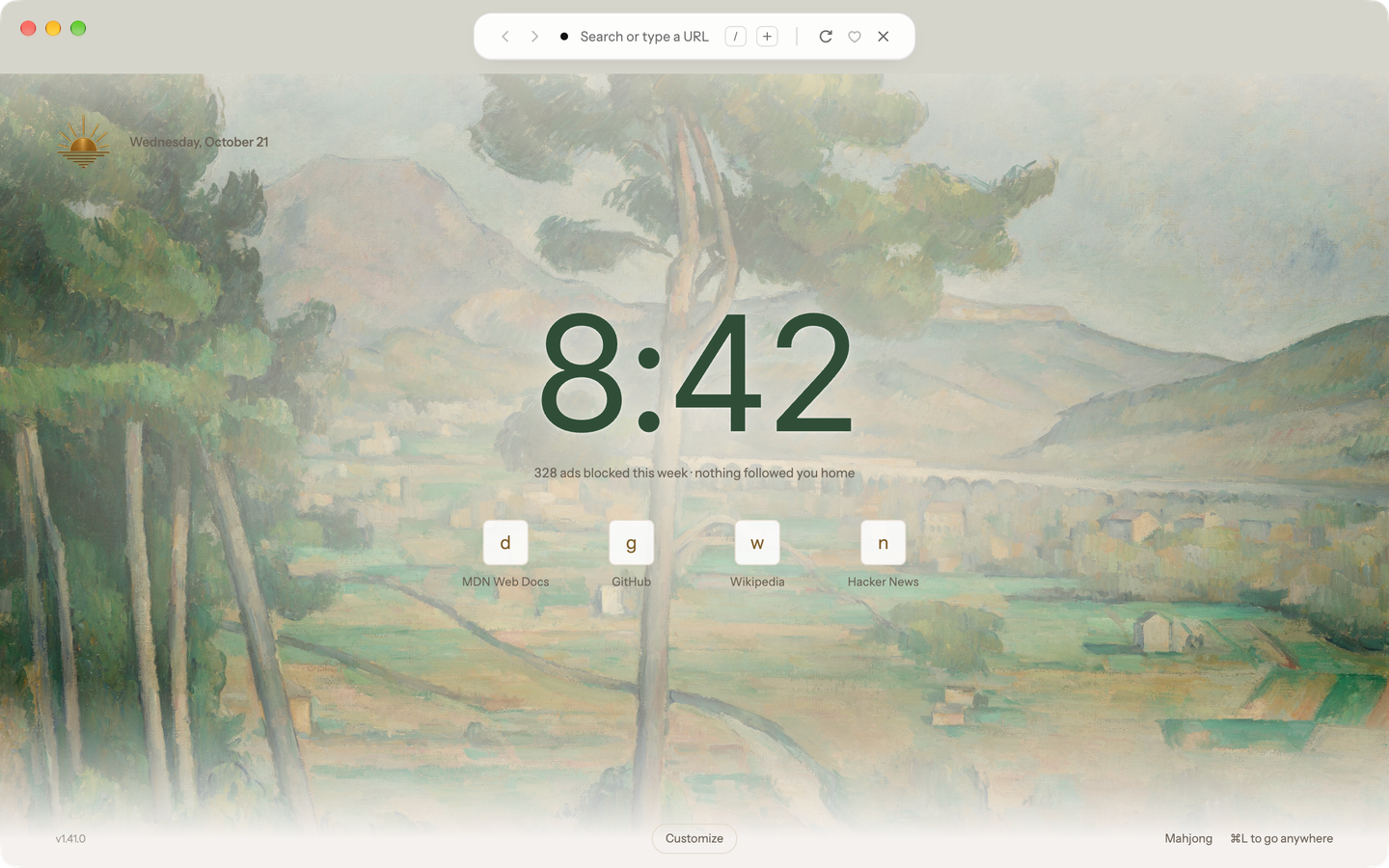
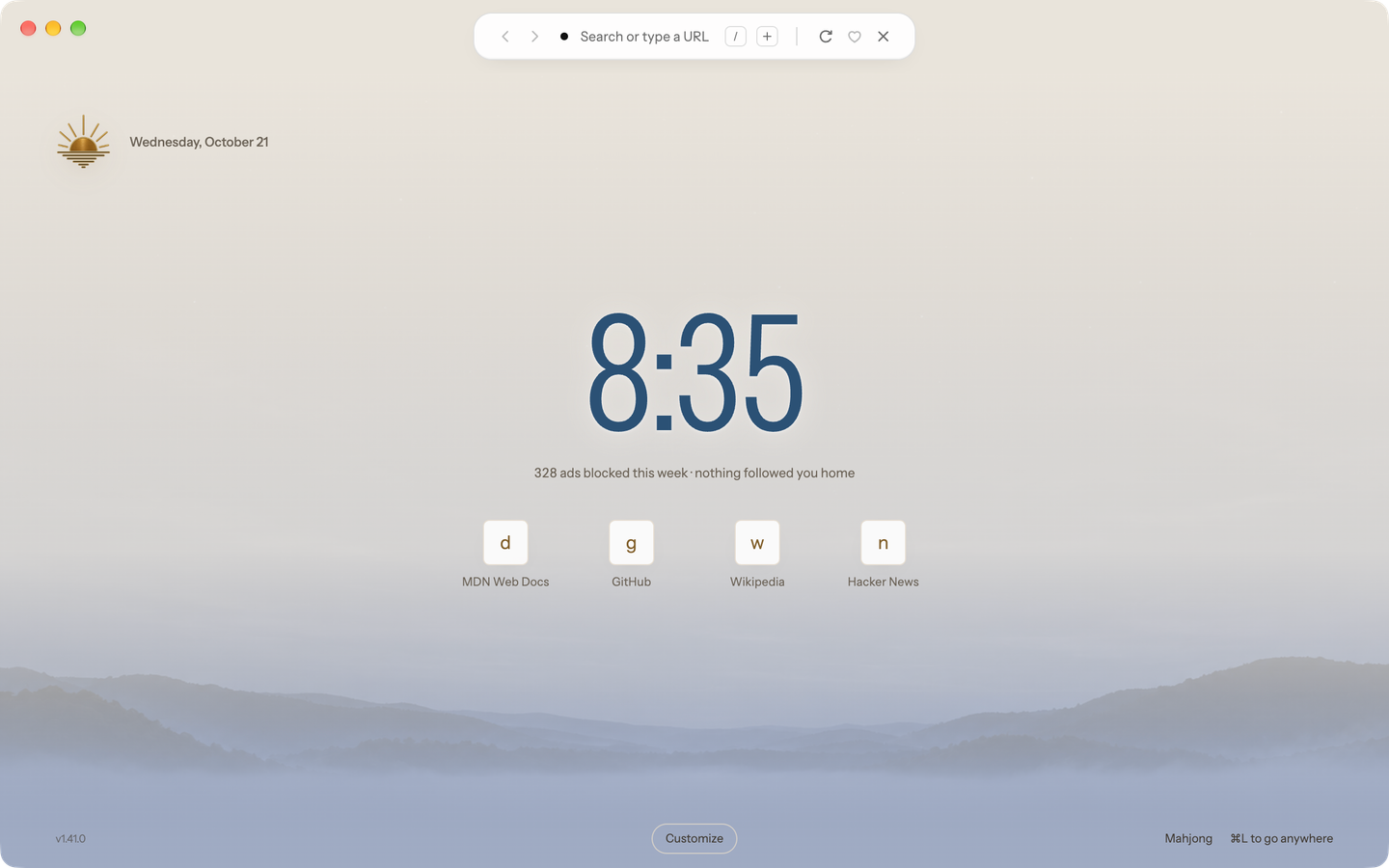
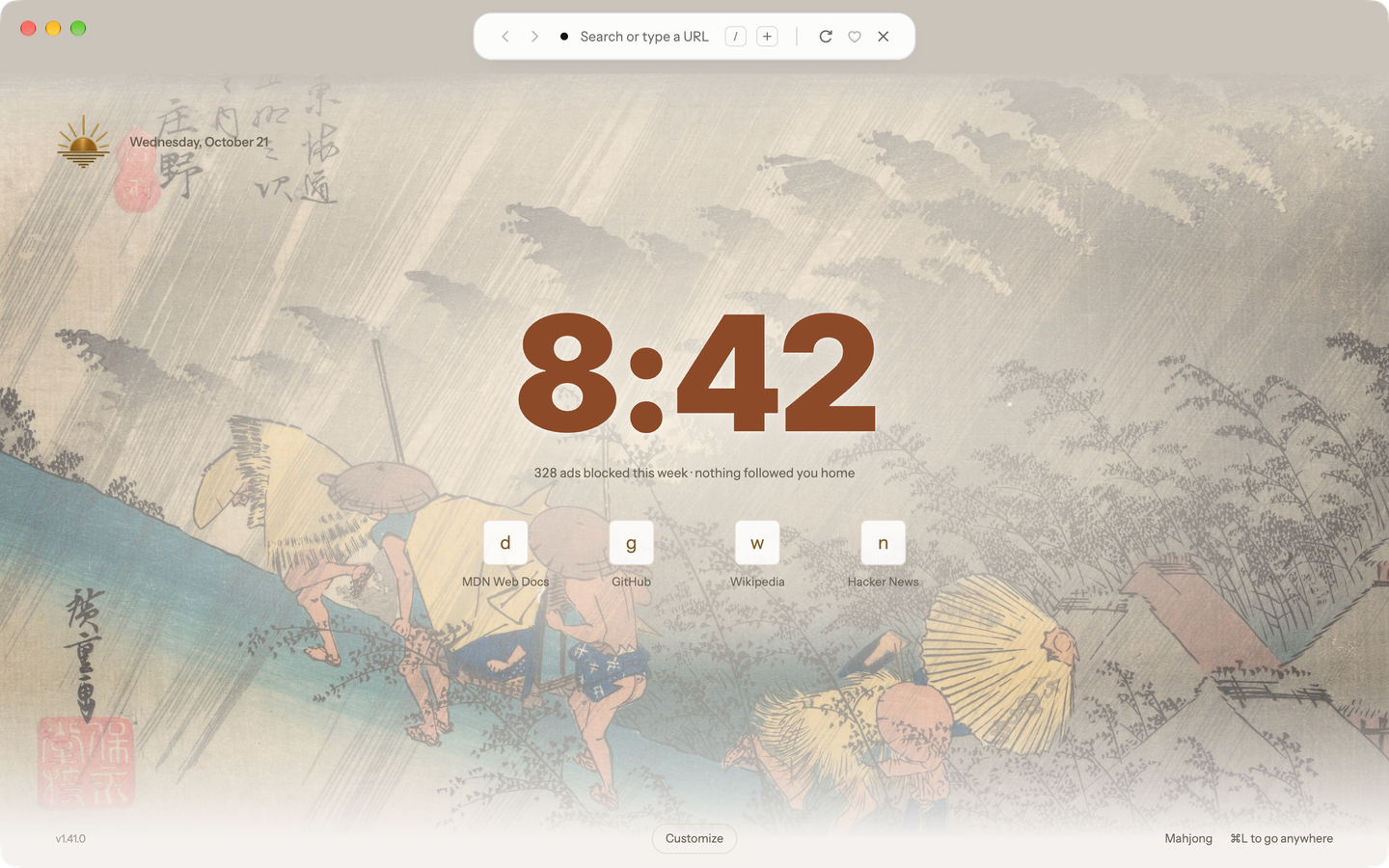
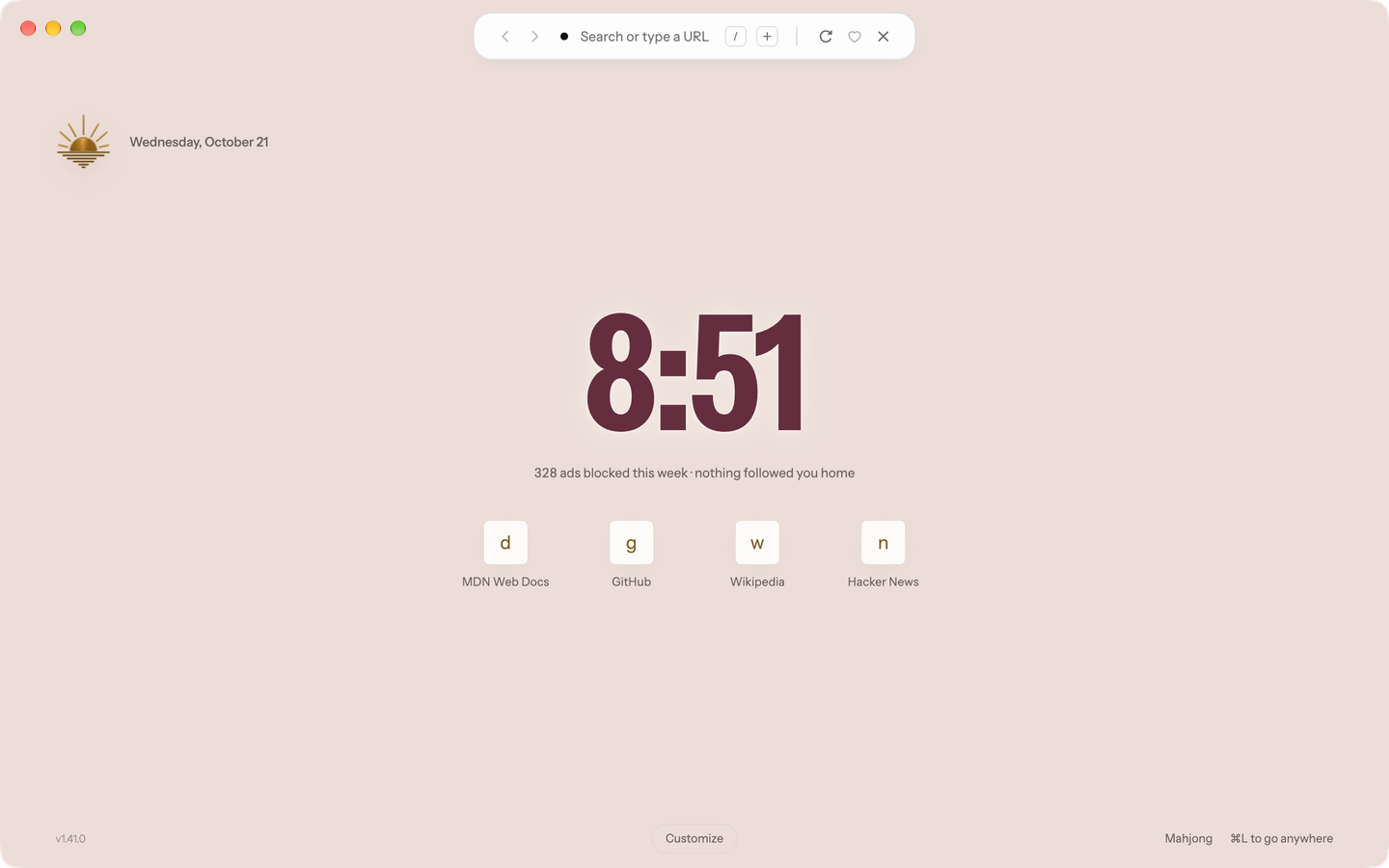
A large clock, your weekly blocked-request total, frequently visited sites, and your named groups. Billboard is the default; change layouts from the start-page footer or Settings → General.
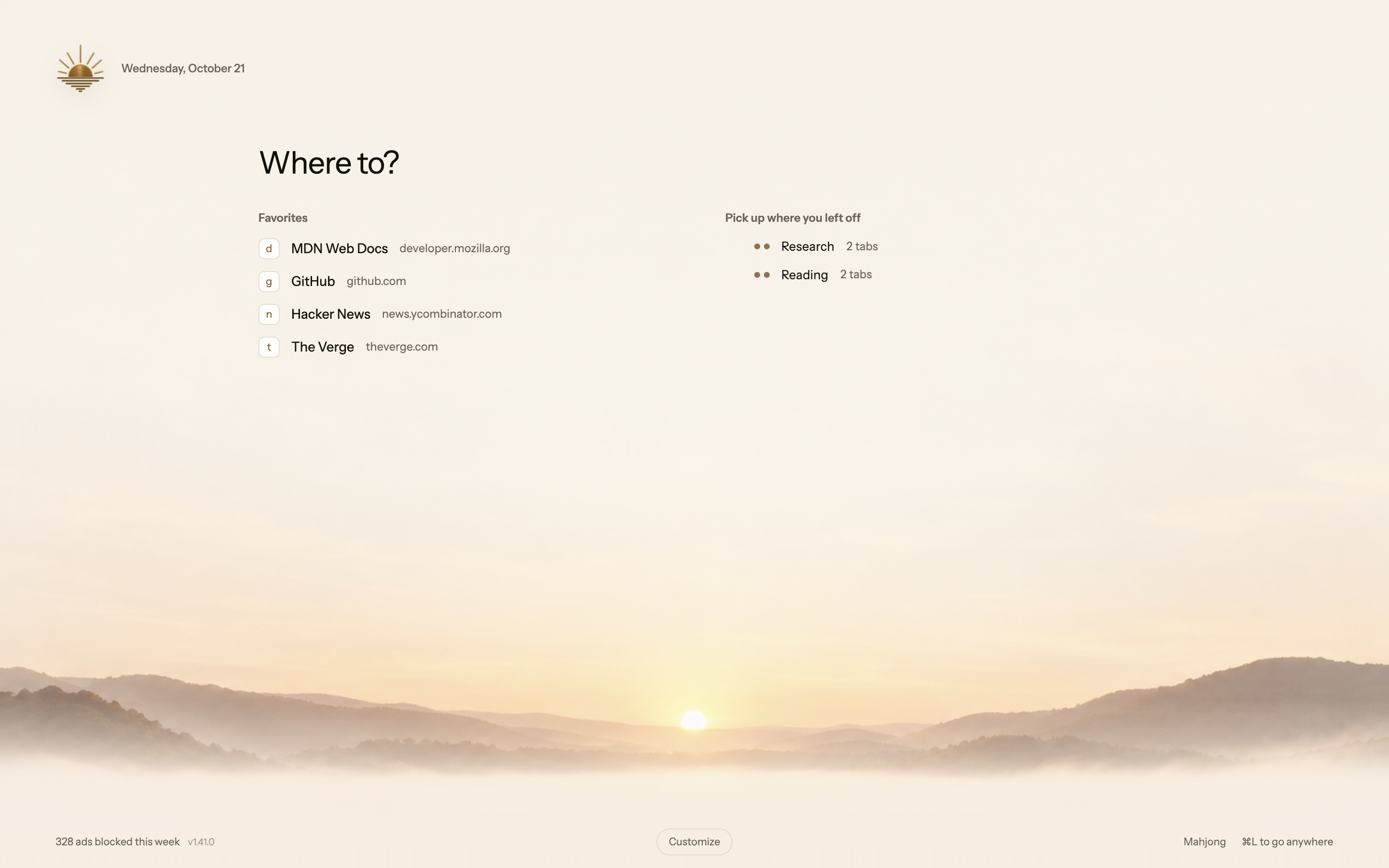
A simple list of Favorites and named groups. When you opt into sharing tabs, Ledger also shows tabs from your other devices.
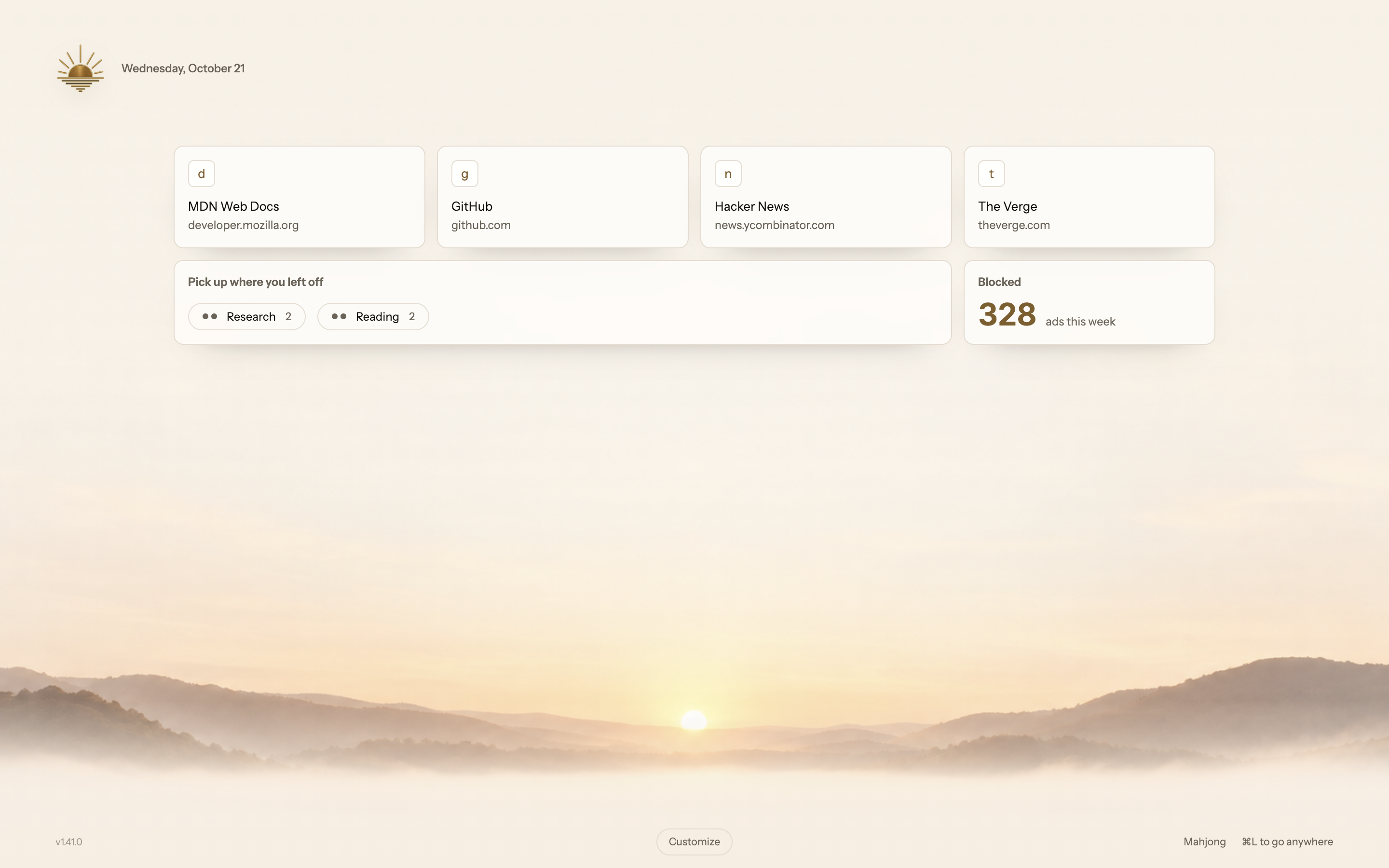
Favorites as tiles, with named groups and a weekly blocking total underneath.
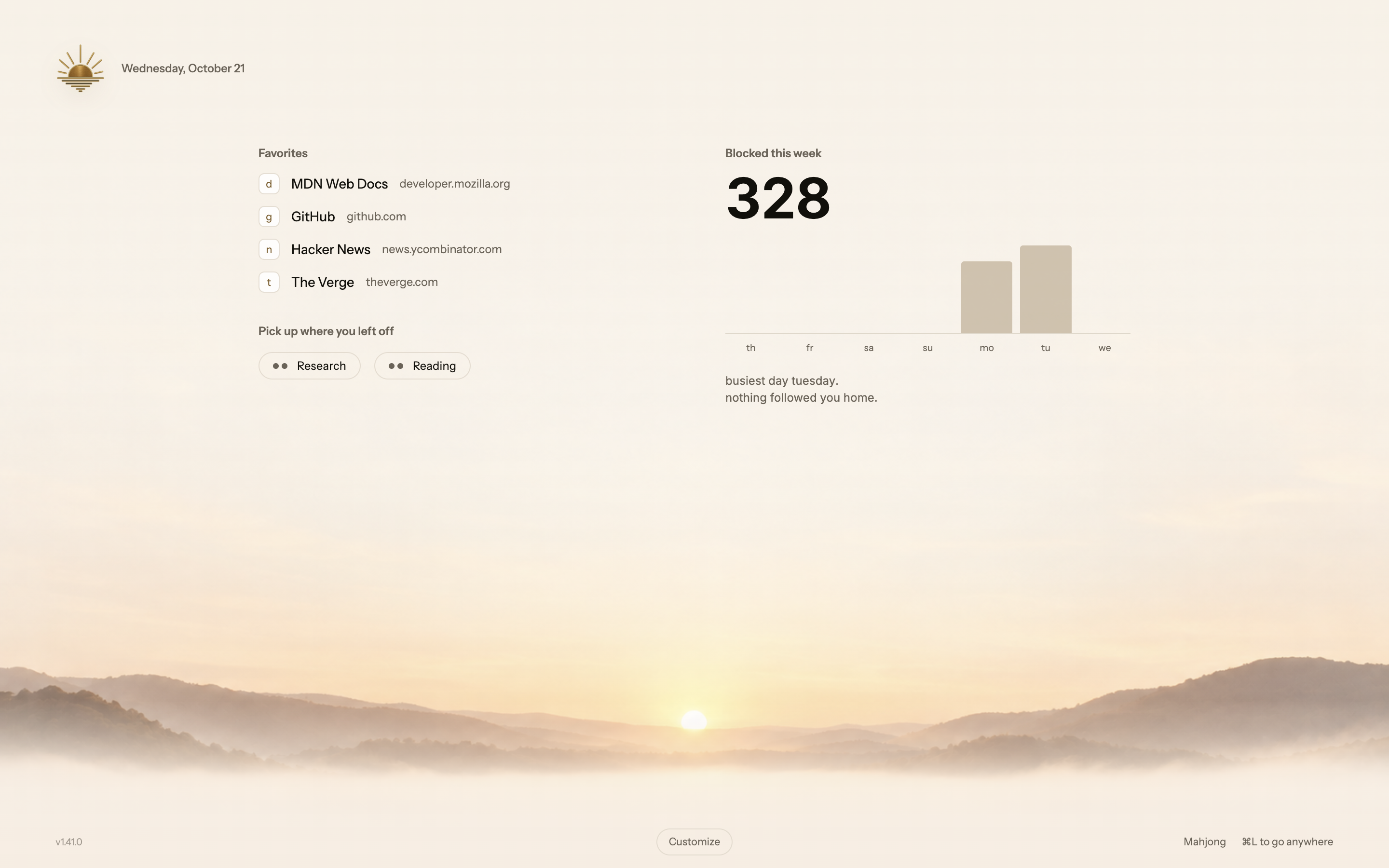
Favorites and groups beside a day-by-day chart of blocked requests this week.
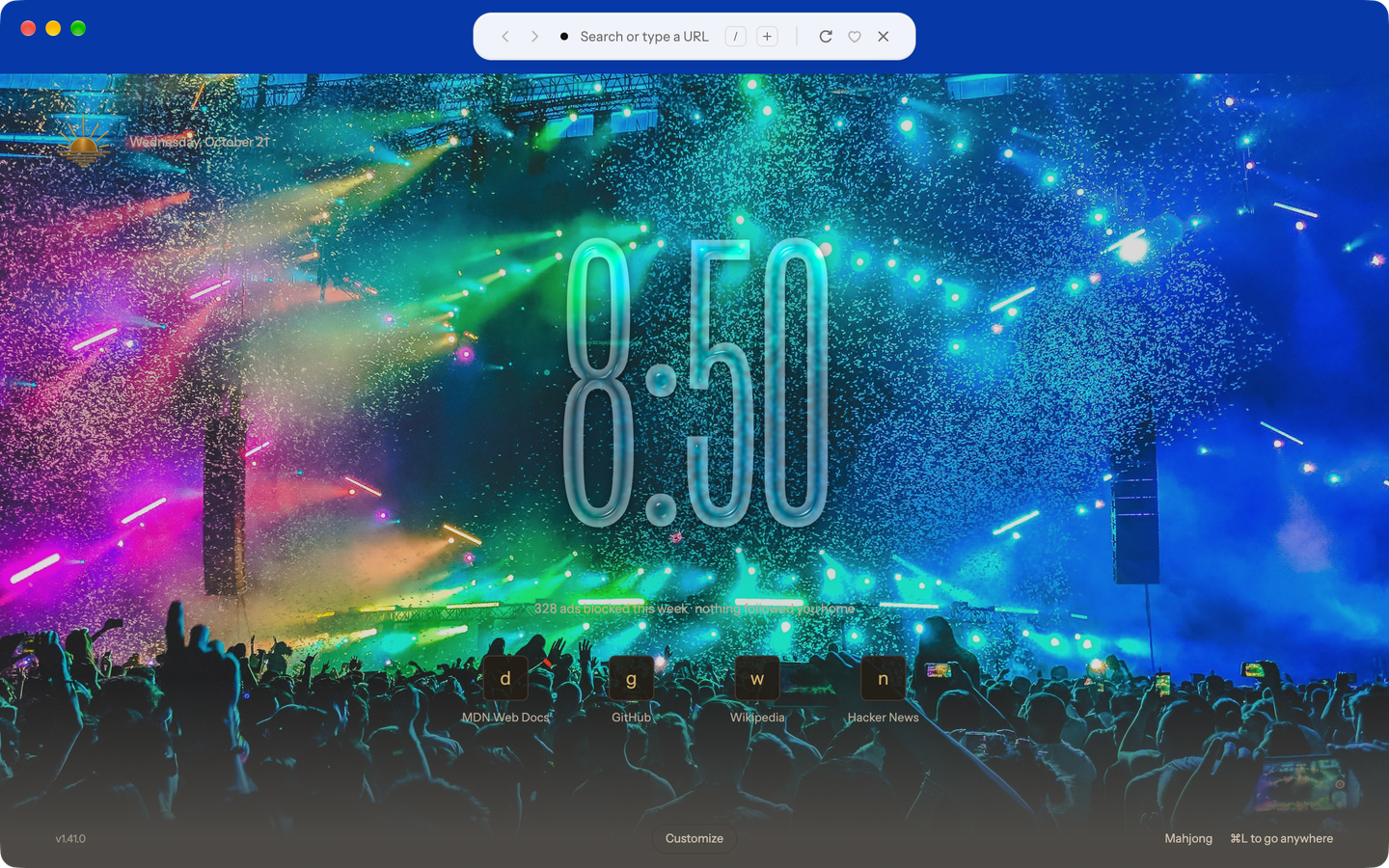
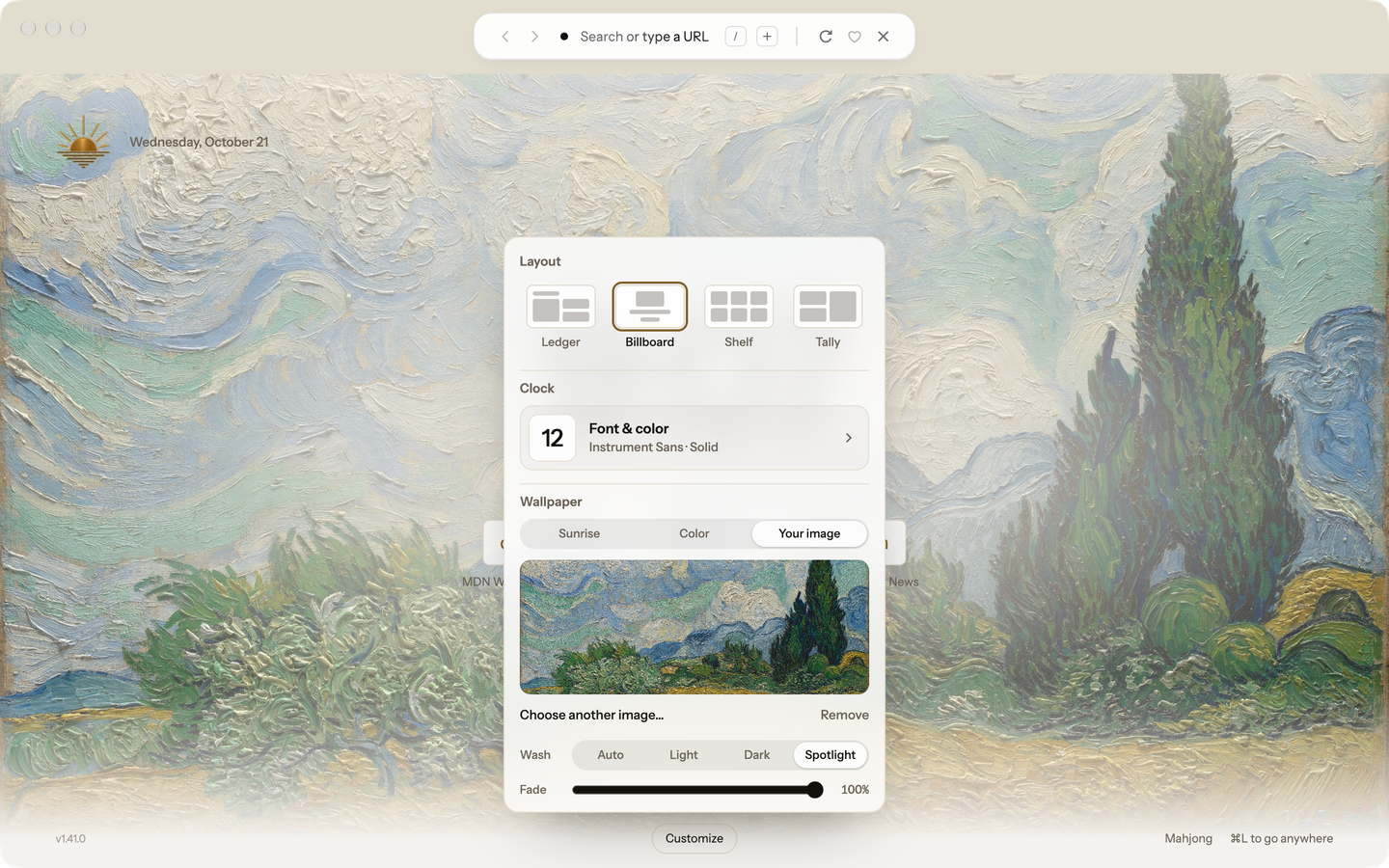
Open Customize on the Start Page and choose Your image under Wallpaper to show a JPEG or PNG of your own, up to 25 MB. Settings → General → Start Page image offers the same choice.
Wash covers your image so the page stays easy to read: Auto follows your theme, Light and Dark pick one whatever your theme, and Spotlight washes only behind the content. Fade sets how strongly the wash covers the image, down to none.
Blanc keeps a resized copy with location, camera and time details removed. It isn’t synced, and private tabs never show it.
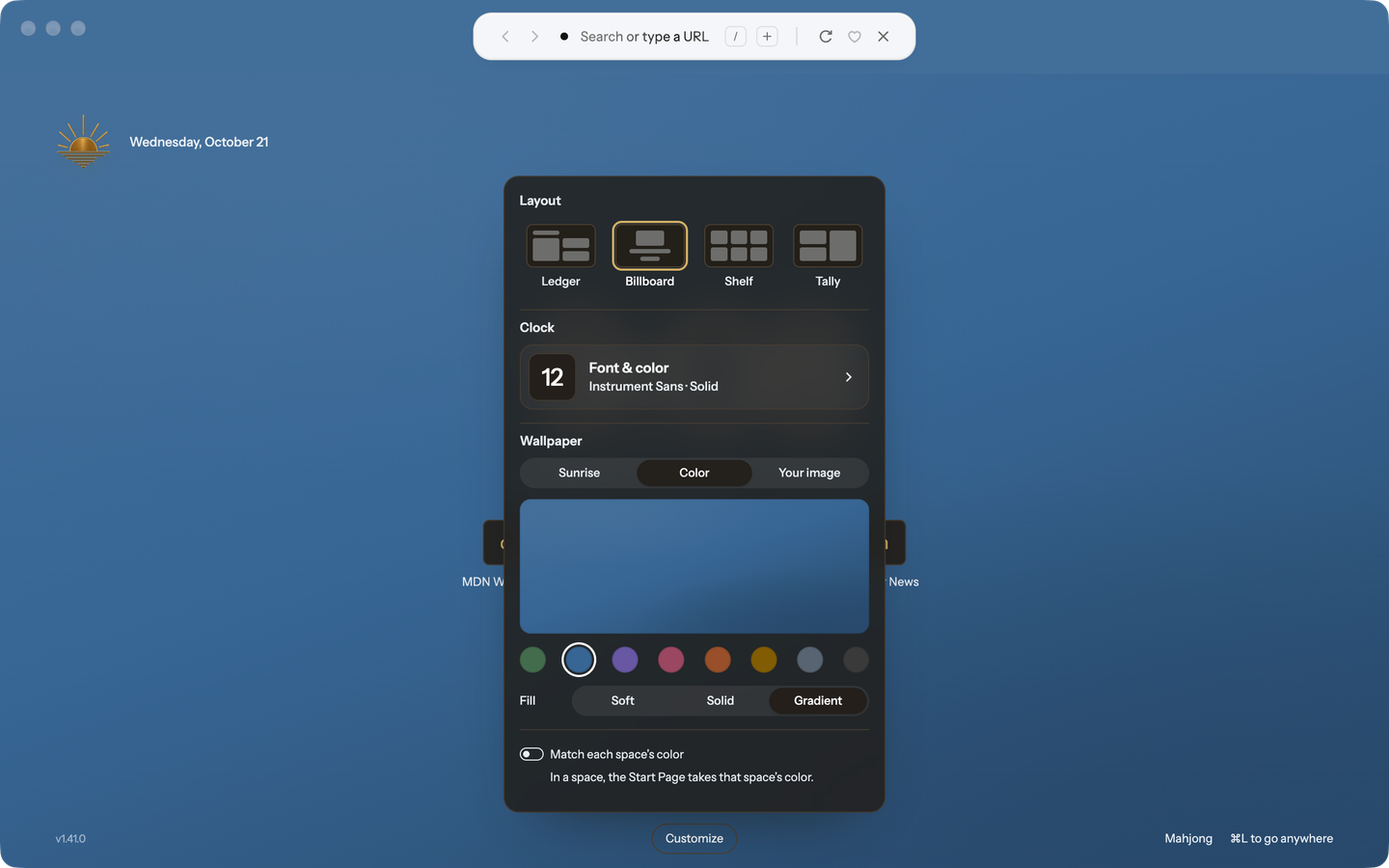
Choose Color under Wallpaper for one of the eight colors Spaces use, as a Soft, Solid or Gradient fill.
Turn on Match each space’s color, and a window that belongs to a space shows that space’s color on its Start Page.
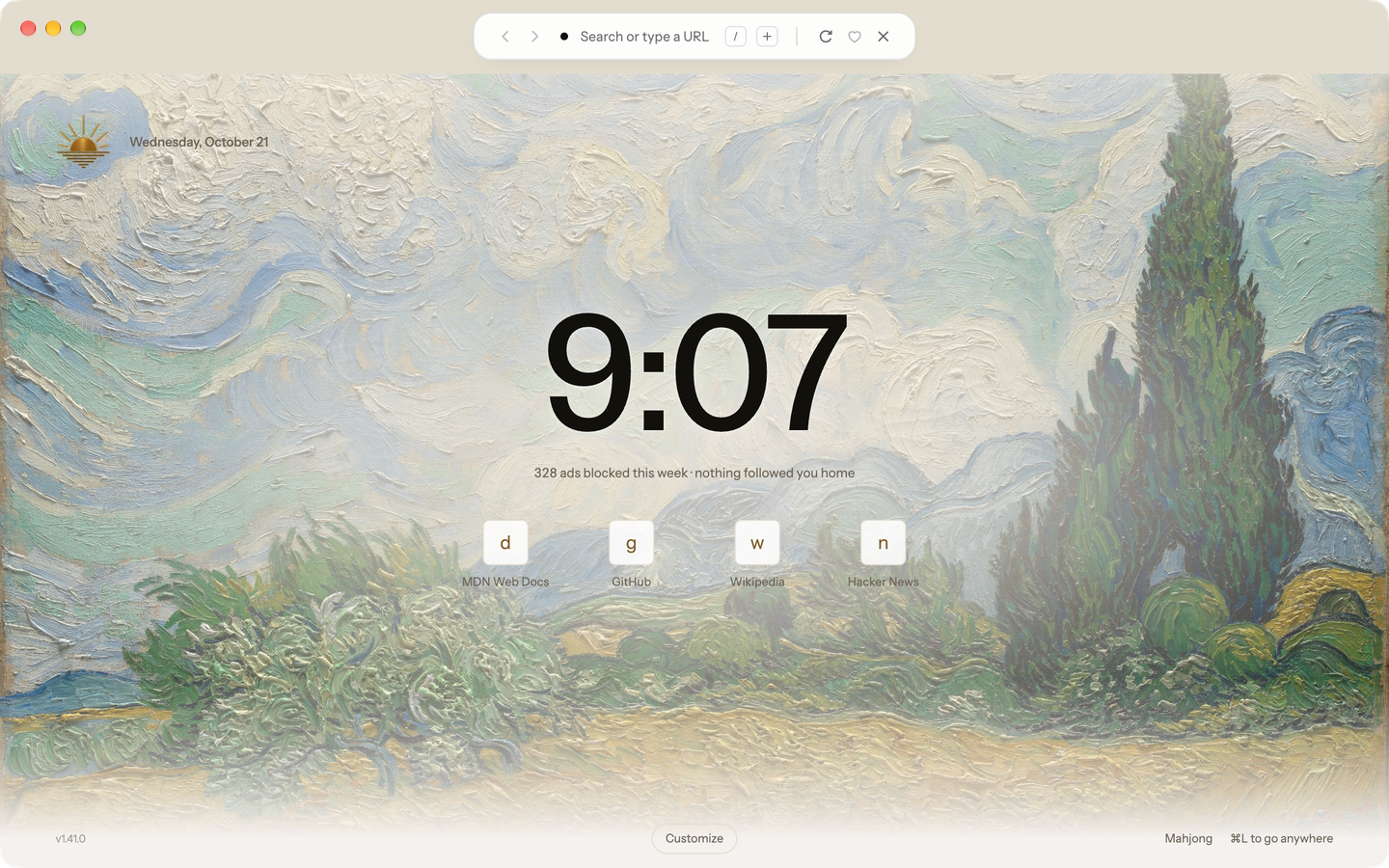
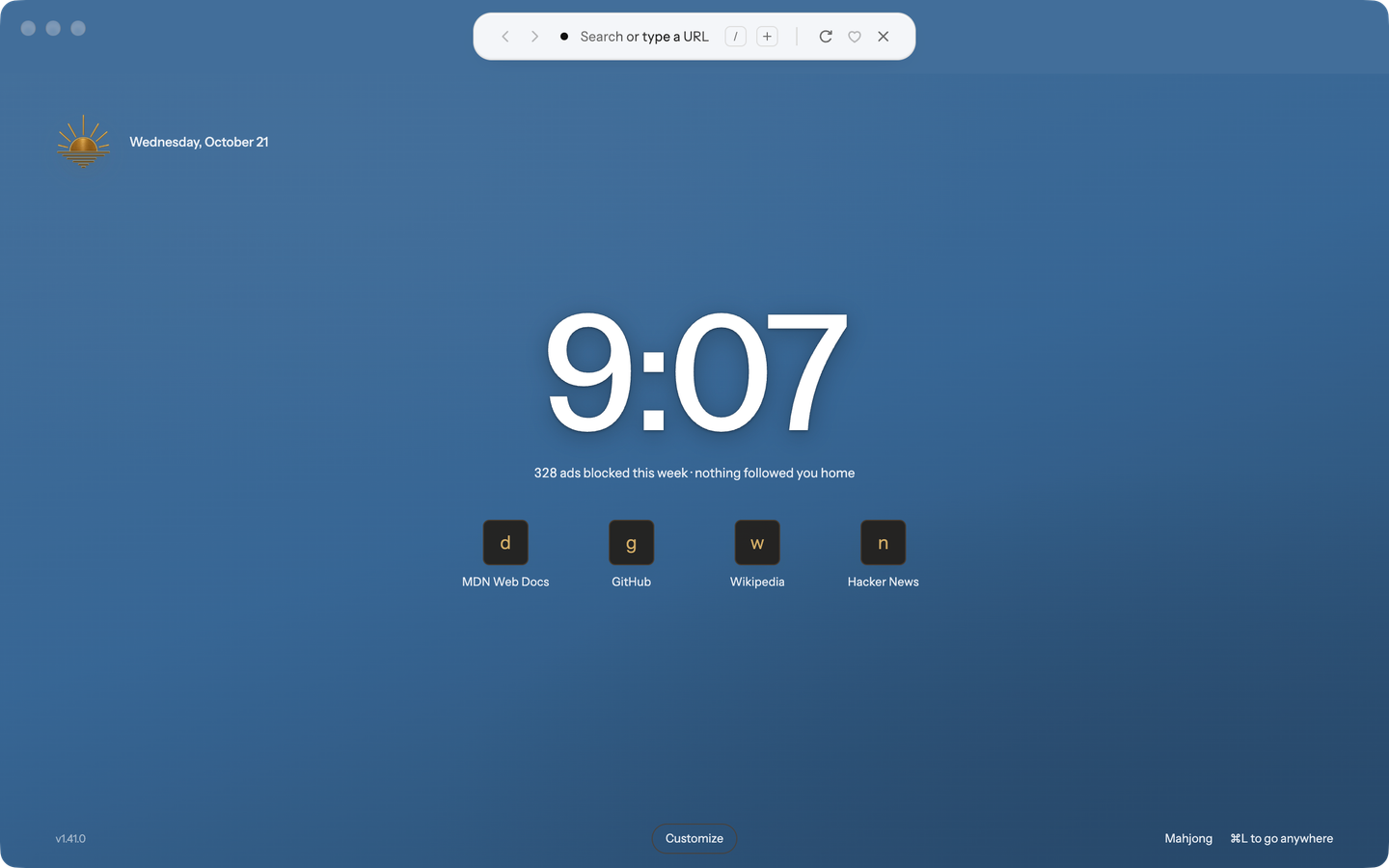
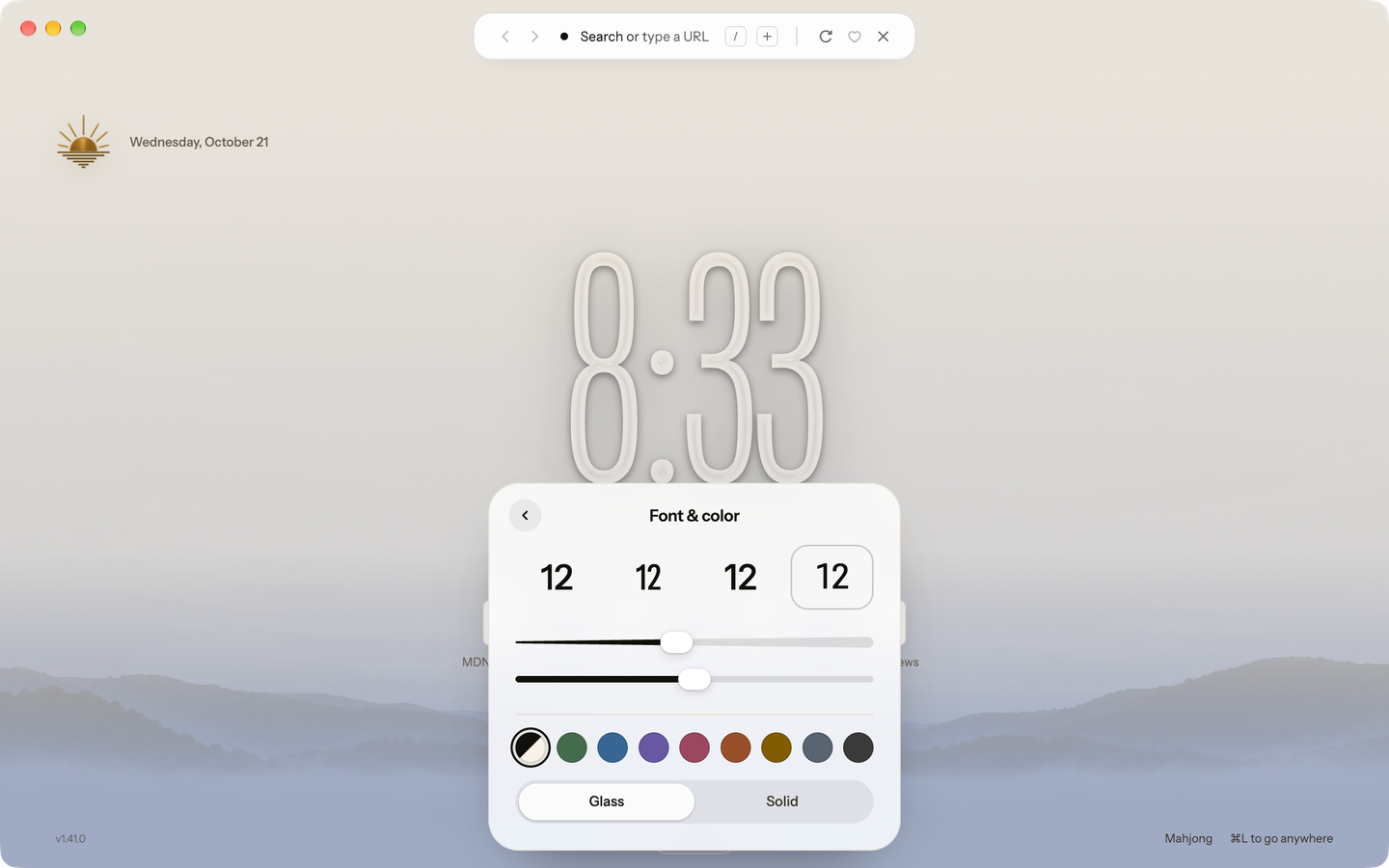
Right-click the Billboard clock, or open Customize and choose Clock. Pick Instrument Sans, Instrument Sans Condensed, Inter or Roboto Flex, then set its weight and, with Instrument Sans or Roboto Flex, how tall it stands.
Keep Automatic, which follows your theme, or pick one of the eight Spaces colors and a tone. Glass bends whatever is behind the numerals; Solid draws them flat.
Every clock has a soft shadow. When the system asks for reduced transparency, Glass draws as Solid.
Your clock style syncs with Profile Sync.
Billboard ranks ordinary browsing history on this device. Its site icons come from locally cached artwork; drawing the row makes no new request to those sites or a favicon service.
Remove a site from Billboard when you do not want it there. That choice stays local and does not delete its history. Private tabs neither contribute to nor receive the history-derived row.
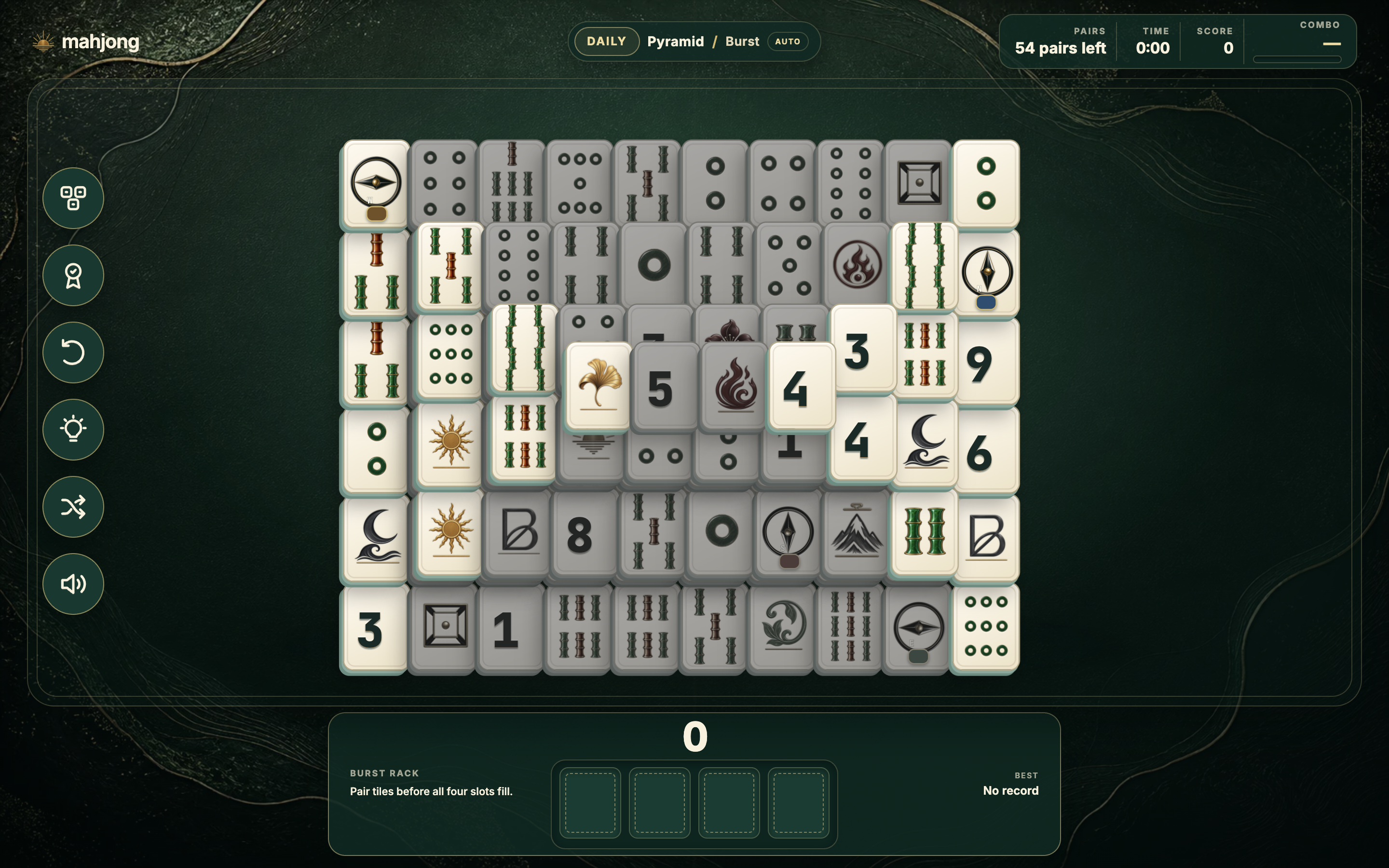
Open a standalone Mahjong solitaire table from any start-page footer. Your start page stays open while the game runs in its own managed tab.
Turtle, Arch, Peaks, Pyramid, Fortress, Butterfly, Bridge, and Cross are solvable by construction when dealt. The Daily deal rotates across all eight; your choices during play can still leave you needing a hint, Undo, or Shuffle.
Choose Classic or Burst, with scoring, timed combos and automatic clears in Burst. Hints, sound controls, Undo, and Shuffle are built in. Shuffle itself can be undone, including after a Burst rescue.
The Records sheet keeps boards cleared, best Classic times and Burst scores, and current and longest Daily streaks on this device.
Blanc remembers your last board, mode, and deal choice. A new Mahjong tab can offer to continue an unfinished game from another tab.